Admin guide
What every screen and field under Privacy does, written for whoever maintains the site.
Everything the plugin adds lives in one admin group, Privacy by default (admin.group renames it). Six entries: Consent settings, Cookie categories, Cookies & scripts, Processors, Consent records and Legal pages.
The dashboard widget
Above the collection cards, Cookie Consent shows the current state at a glance: whether consent is enabled, the four version hashes, how many decisions have been recorded in total and in the last 30 days, how many visitors granted each category, and a list of warnings.
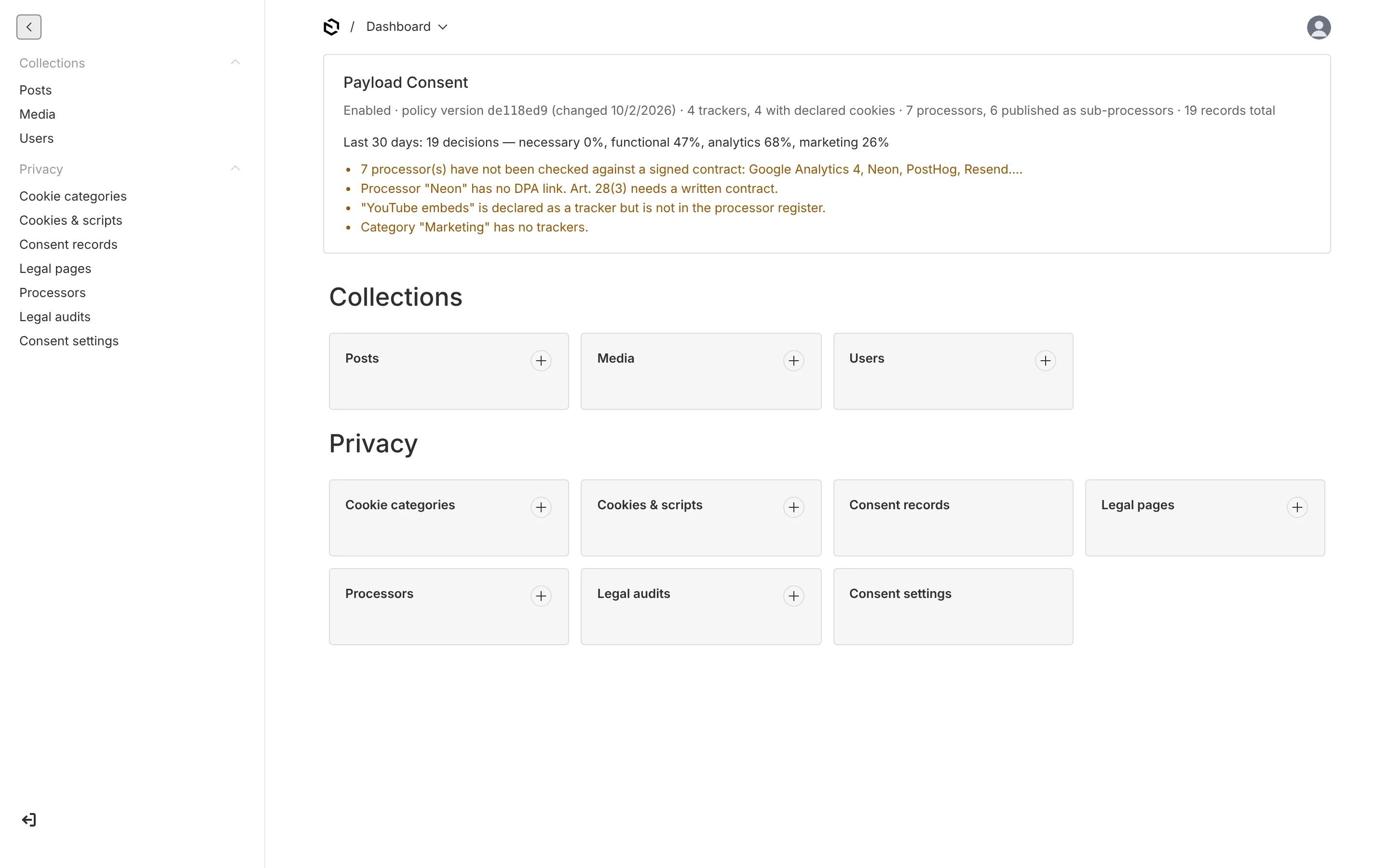
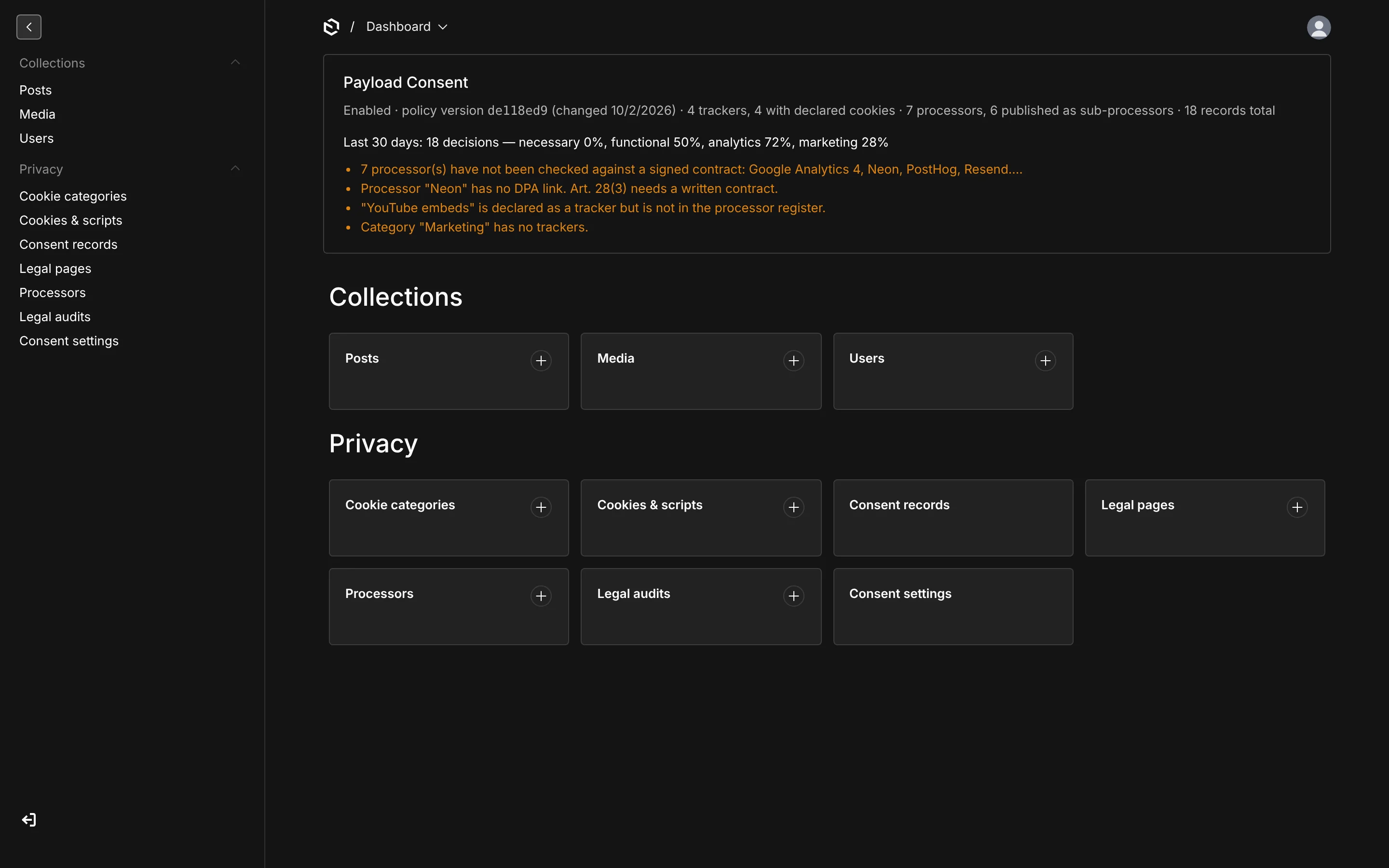
Warnings are the useful part. The widget flags:
- a tracker with no link to its vendor's privacy policy — you generally have to name the recipient of the data,
- a category with no trackers in it — visitors are being asked to decide something that does nothing,
- a processor nobody has checked against a signed contract,
- a processor with no DPA link, when Art. 28(3) requires a written contract,
- a sub-processor with no "since" date, so it cannot appear in the change log,
- a declared tracker that is missing from the processor register — the way those two lists silently drift apart.
Turn the widget off with admin.dashboardWidget: false.
Consent settings
A global, organised into five tabs.
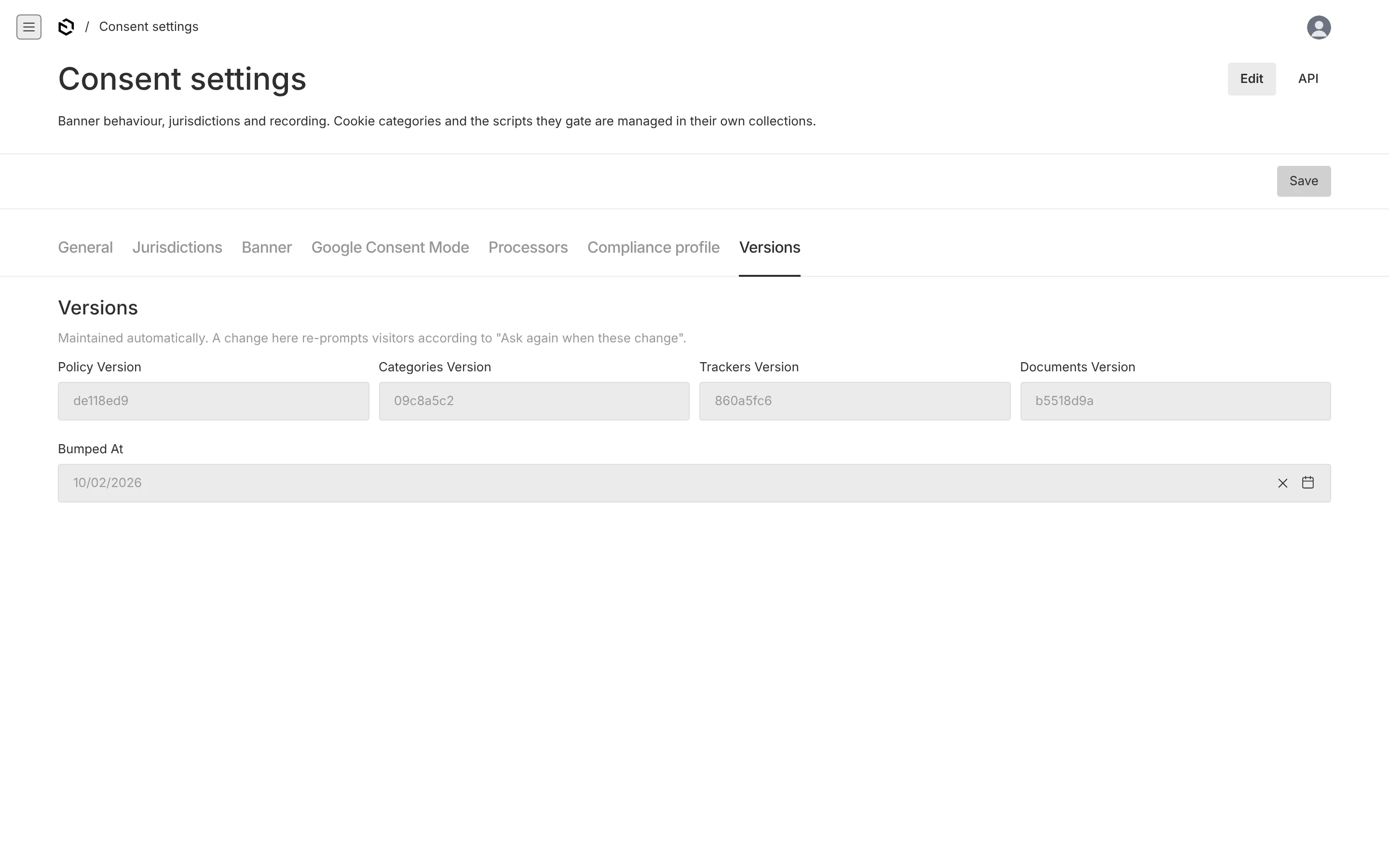
General
| Field | What it does |
|---|---|
| Enabled | Master switch. Off means no banner anywhere and only required categories load — the plugin is inert but the data stays. |
| Ask again when these change | Which version hash changes re-prompt visitors: legal documents, categories, trackers. Documents and categories by default. |
| Consent valid for (months) | How long a decision lasts before the visitor is asked again. 6 by default; CNIL recommends 6 and most EU regulators accept up to 12–13. Also sets the cookie's max-age. |
| Recording → mode | none, anonymous (default) or linked. See Records. |
| Recording → retention months | How long records are kept before the purge job deletes them. 36 by default. |
The settings global overrides the plugin options for recording mode and retention, so you can change them without a deploy.
Jurisdictions
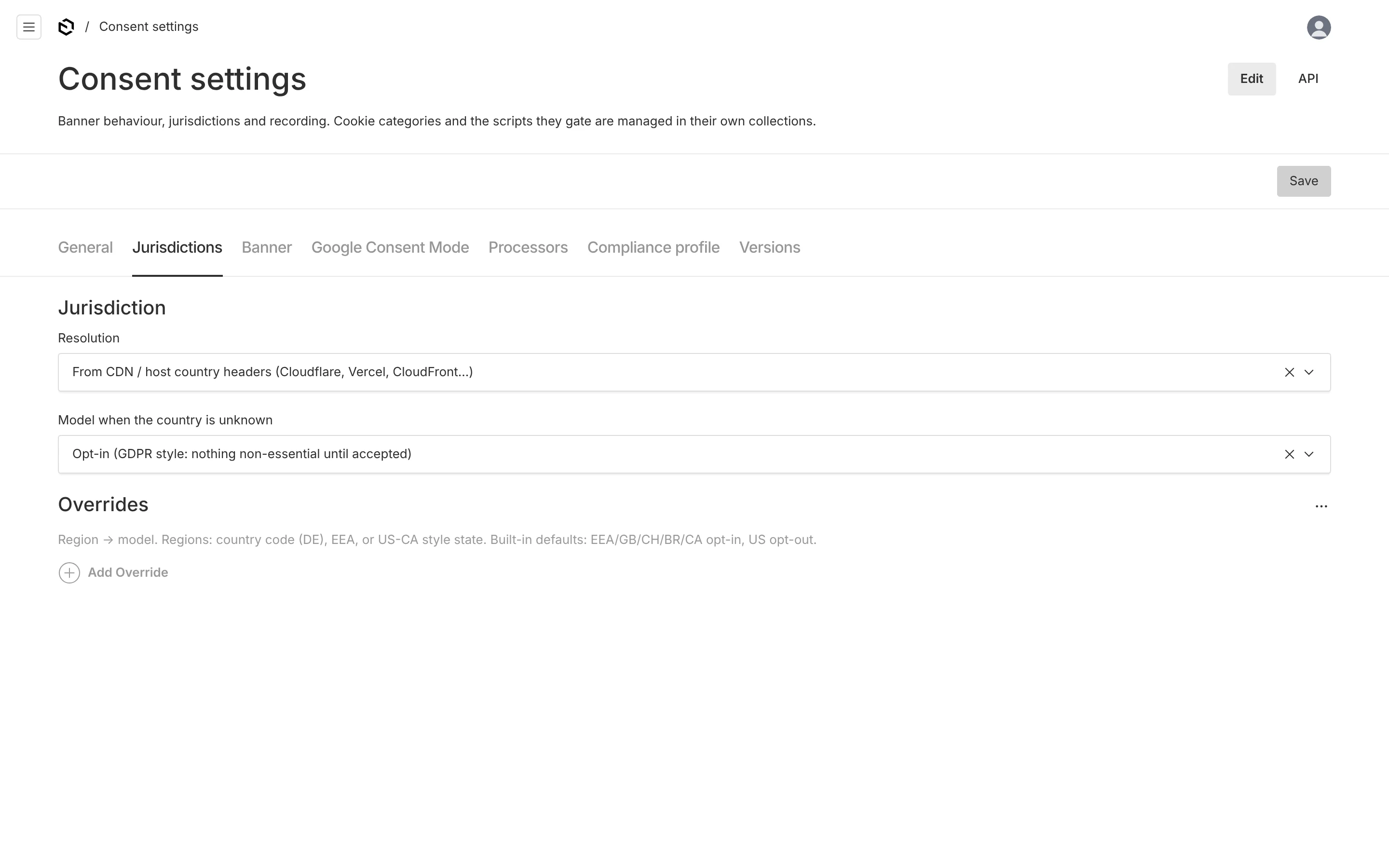
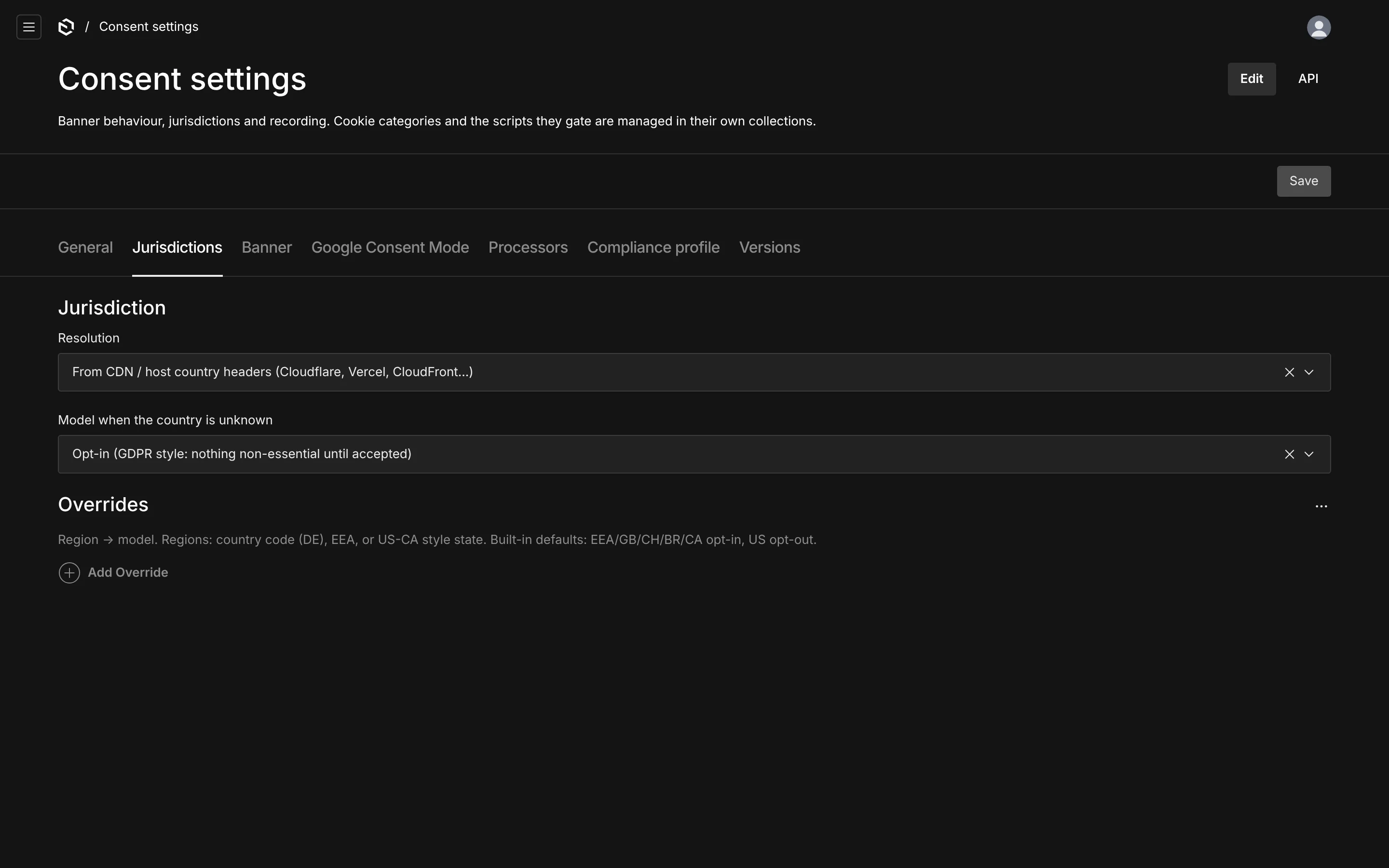
| Field | What it does |
|---|---|
| Resolution | header reads the country from your CDN (Cloudflare, Vercel, CloudFront…), manual applies one fixed region to every visitor, none always uses the fallback. |
| Fixed country code | Only with manual. ISO 3166-1 alpha-2, or the pseudo-region EEA. |
| Model when the country is unknown | What to do when detection fails. opt-in by default, which is the safe answer. |
| Overrides | Region → model rows, added on top of the built-in table. Regions are DE, EEA, or US-CA style states. |
The built-in defaults are opt-in for the EEA, GB, CH, BR and CA, opt-out for the US. Jurisdictions explains precedence.
Banner
Title, description, position, and the eight label strings (the six buttons plus the "always on" badge and the reload notice). All of it is localized when your Payload config has localization.
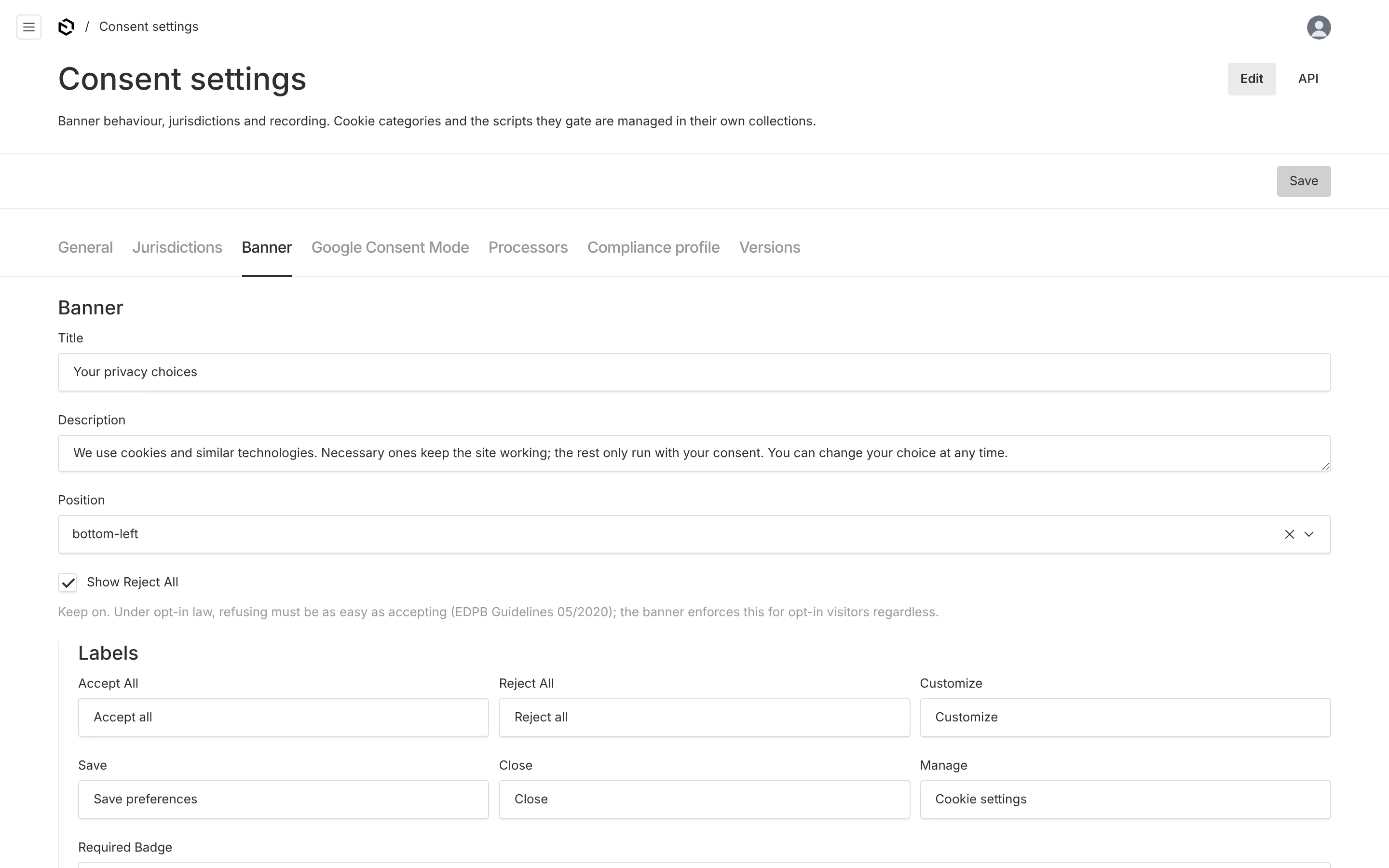
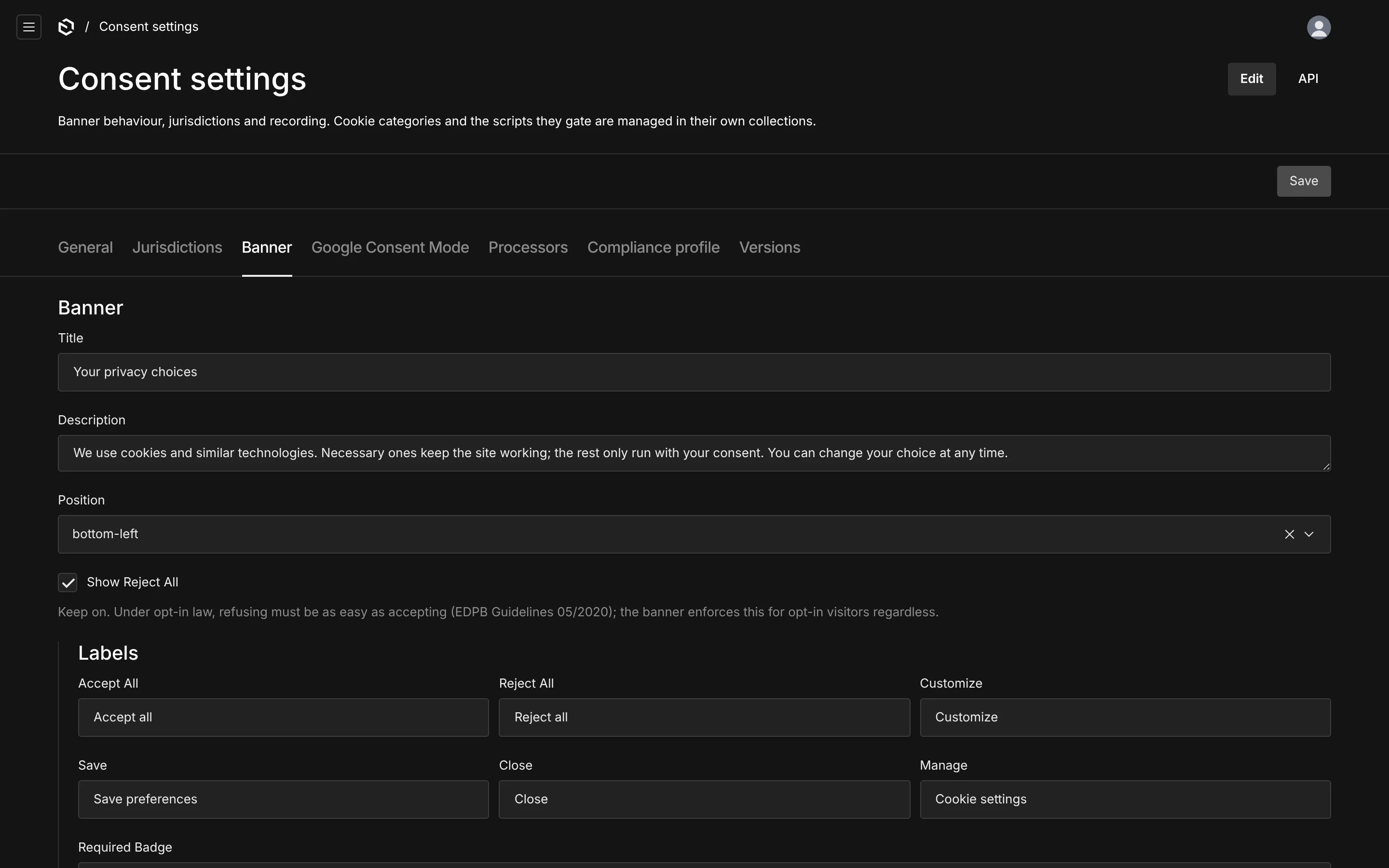
Position is bottom-left by default, and every option renders the same card — bottom centres it, center puts it mid-screen. There is no full-width bar: a bar reads as a wall, and a wall that makes refusing harder than accepting is the thing regulators actually object to.
Show "Reject all" should stay on. Under opt-in law, refusing must be as easy as accepting (EDPB Guidelines 05/2020), and the banner shipped in the registry enforces that for opt-in visitors regardless of this switch — the setting only affects notice and opt-out jurisdictions.
At the bottom, Privacy page and Cookie page point at documents in Legal pages; their URLs end up in the banner as /legal/<slug>. With legalPages: false these become plain URL fields instead.
Google Consent Mode
| Field | What it does |
|---|---|
| Enabled | auto (on when any tracker is marked Consent-Mode managed), on, off. |
| Ads data redaction | Sets ads_data_redaction when ad storage is denied. On by default. |
| URL passthrough | Passes click ids through URLs when cookies are denied. Off by default. |
| Wait for update (ms) | How long Google tags wait for your update call before assuming the defaults. 500 by default. |
See Consent Mode for what actually gets emitted.
Processors
Settings for the public sub-processor list: the advance notice period (30 days by default), the address customers object to, an optional subscribe URL, and the read-only subprocessorsVersion and its timestamp. Present only when the register is on. See Processors & DPA.
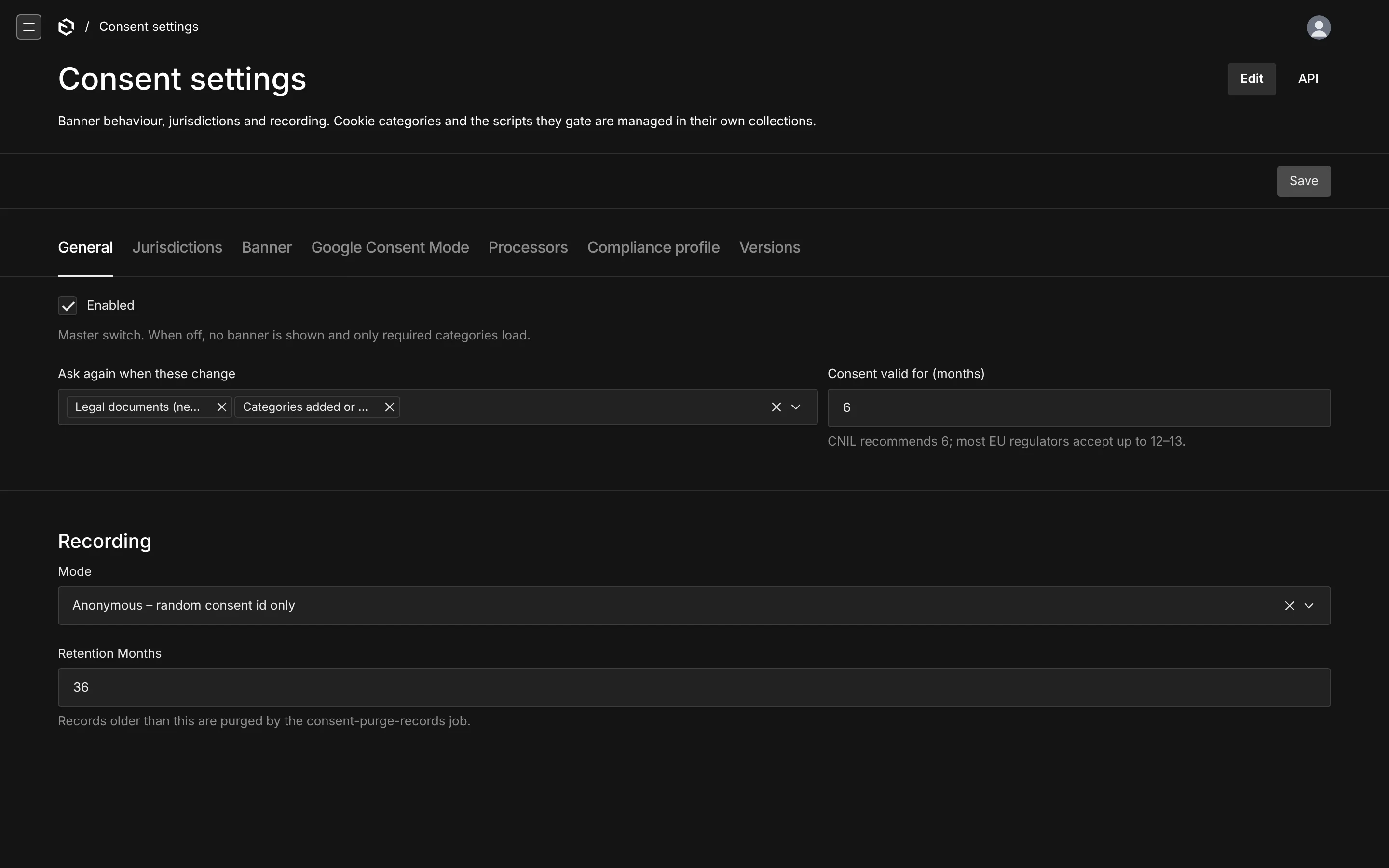
Versions
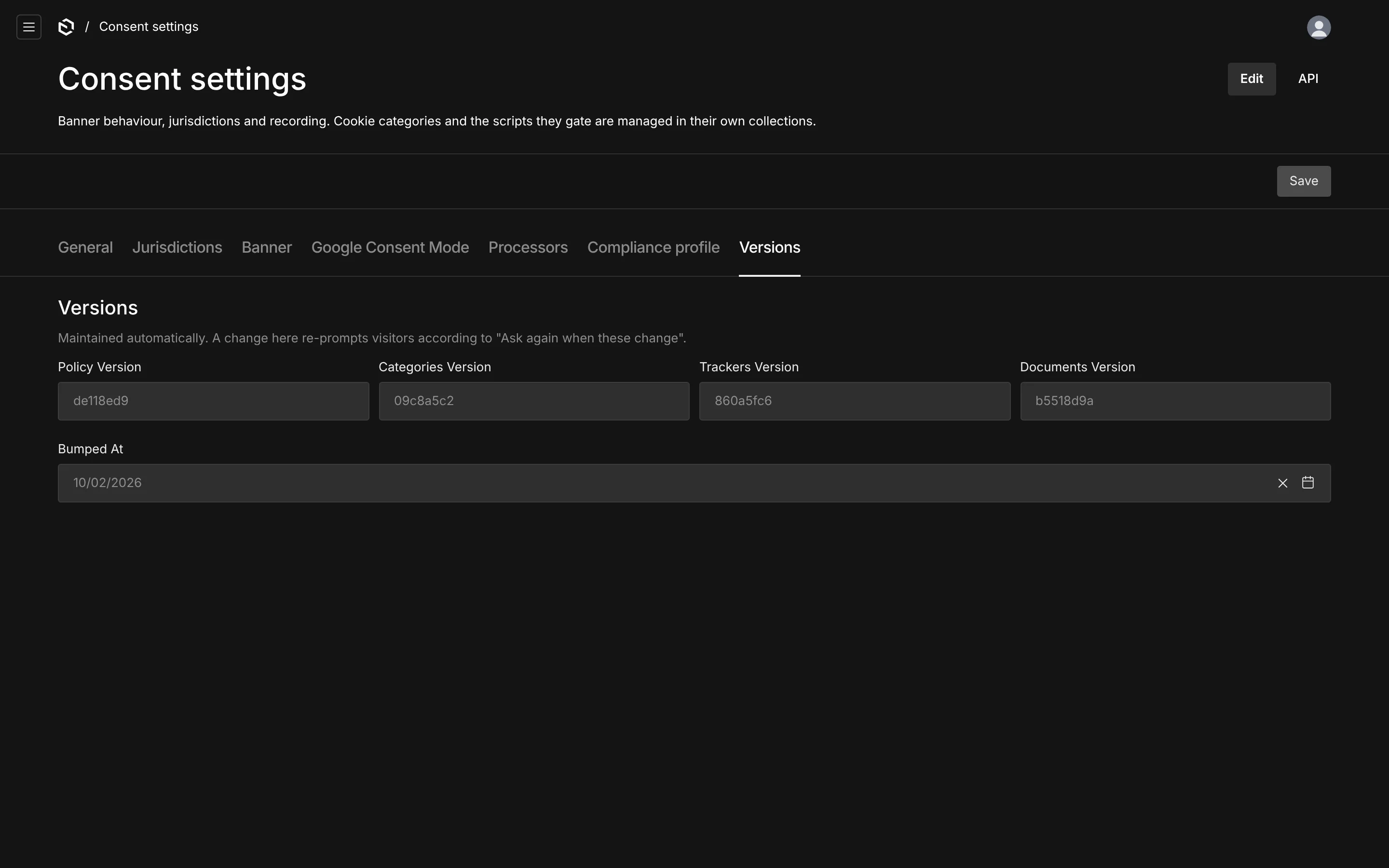
Four read-only hashes and the timestamp of the last change. You never edit these; they are recomputed whenever a category, tracker or published legal document changes. They exist so a visitor's stored decision can be compared against what you are asking today.
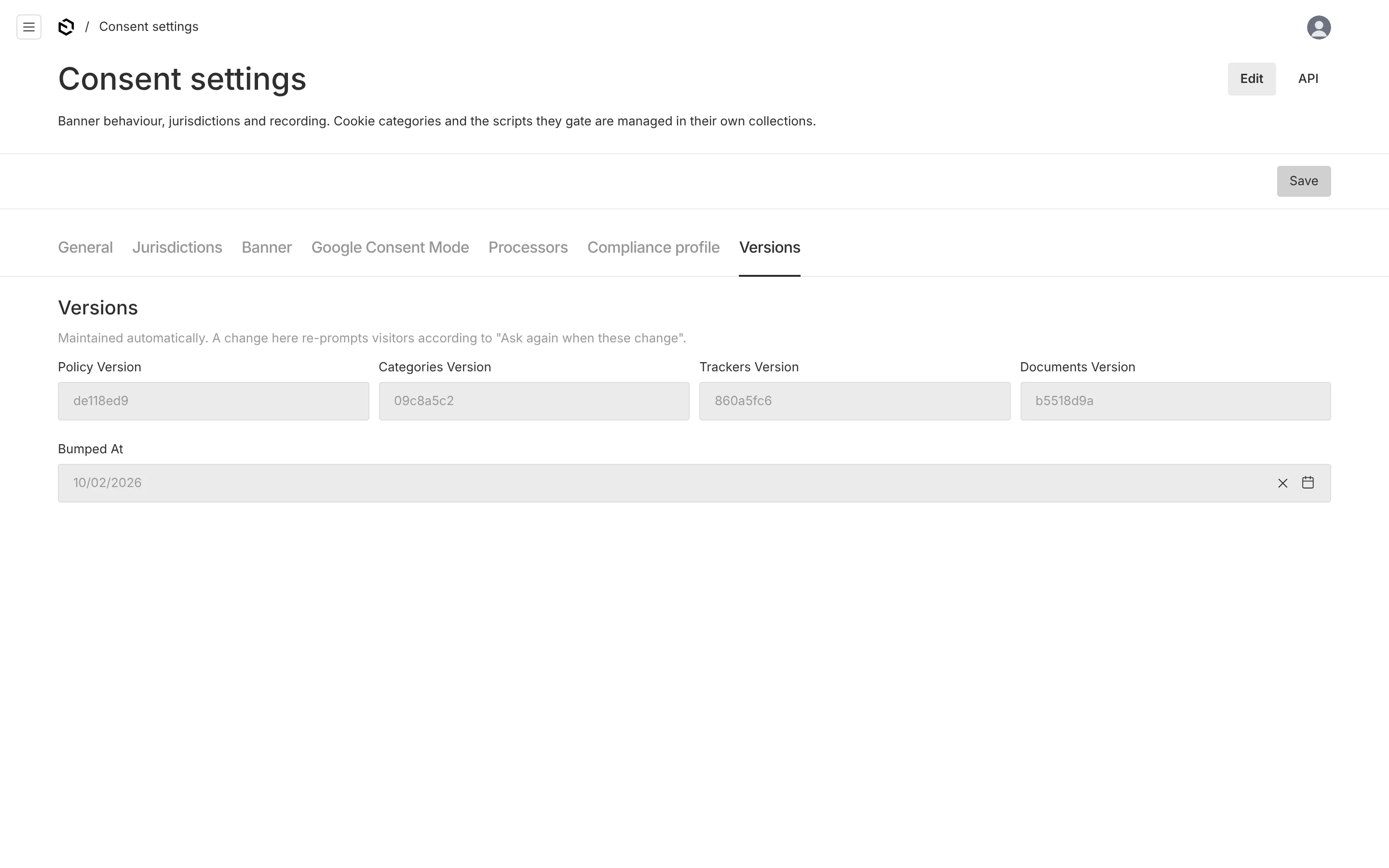
| Hash | Computed from |
|---|---|
categoriesVersion | every category's key and whether it is required |
trackersVersion | every enabled tracker's id, category and kind |
documentsVersion | the effective dates of the published privacy and cookie policies |
policyVersion | the three above, combined |
Because they are content hashes, renaming a button label or fixing a typo in a cookie description does not re-prompt anyone. Moving a tracker to a different category does.
The sub-processor list has a fifth hash of its own, on the Processors tab, and it is deliberately outside this set: changing your email provider is a notice obligation to your customers, not a reason to make every visitor answer the banner again.
Cookie categories
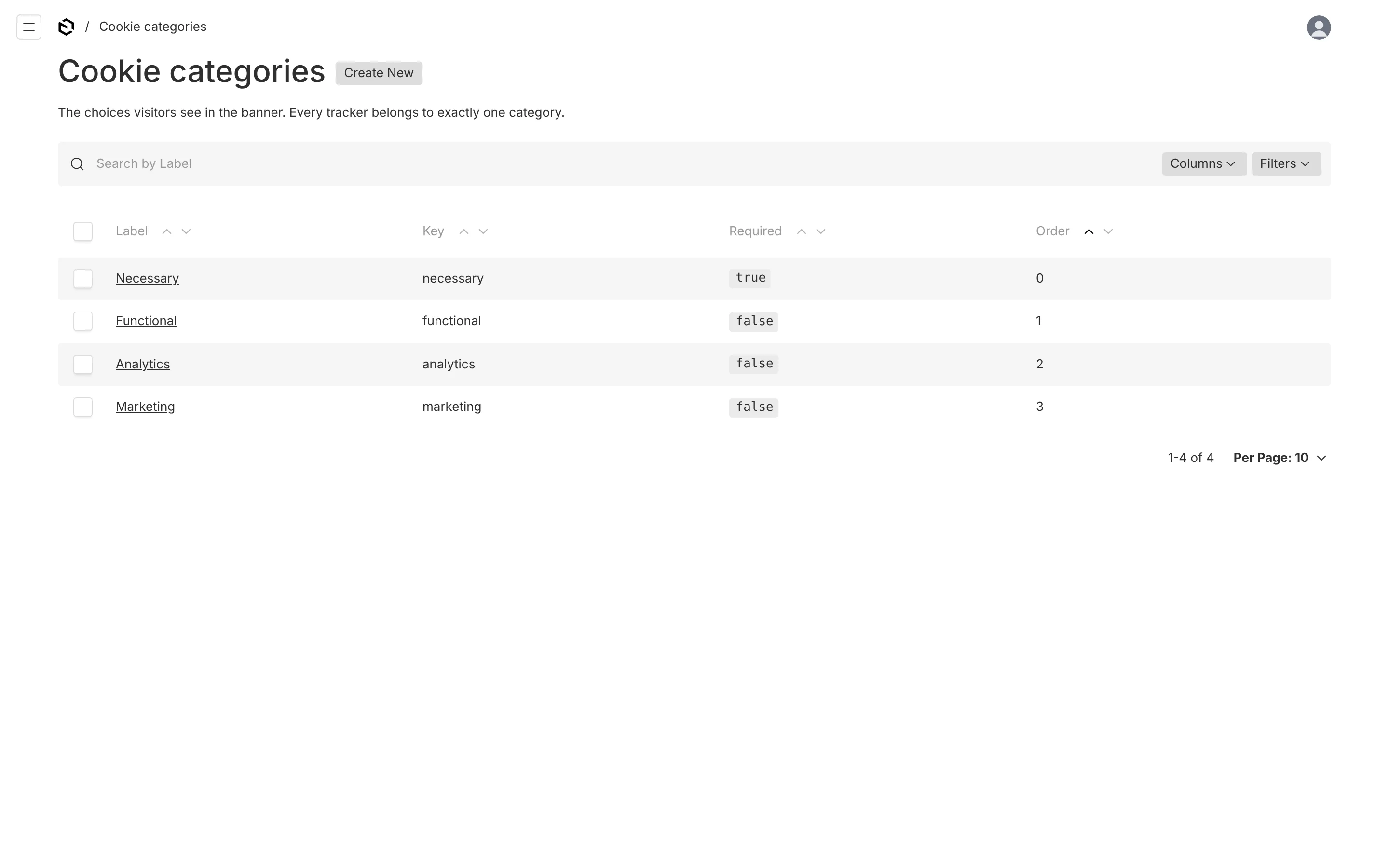
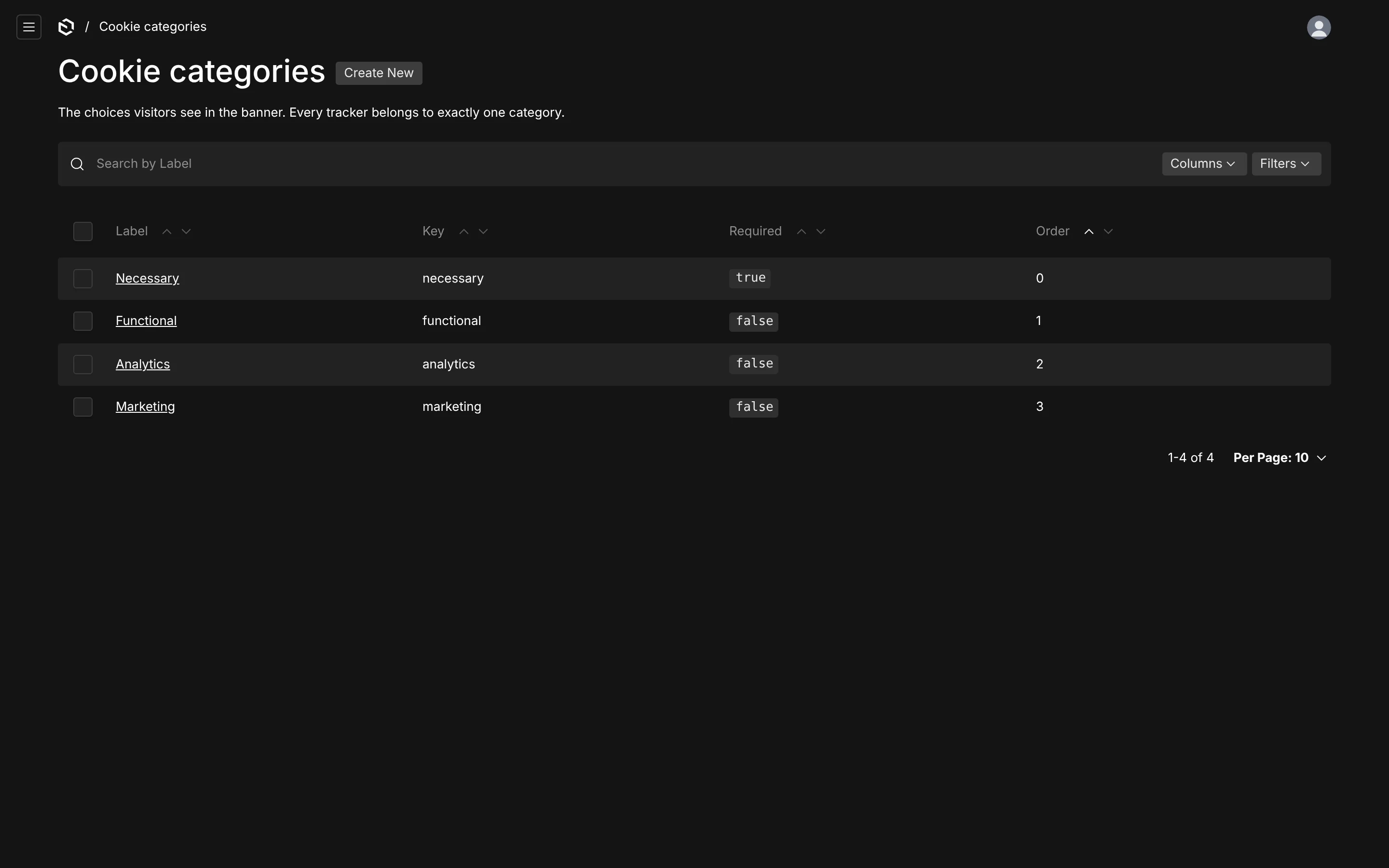
The choices a visitor sees. Four are seeded; add or remove as you like, but every tracker must belong to exactly one, and a category that is still in use cannot be deleted — the admin refuses with a count of what is blocking it.
| Field | Notes |
|---|---|
| Key | Stable id used in the cookie, in has('analytics') and in your code. Lowercase, starts with a letter. Changing it invalidates existing consent for that category. |
| Order | Display order in the banner and preferences dialog. |
| Label, Description | What the visitor reads. Localized. |
| Required | Always on, cannot be refused. Normally only necessary. Required categories are never written into the cookie. |
| Respect GPC | Under opt-out law, a Global Privacy Control signal switches this category off. On by default for analytics and marketing. |
| Default in opt-out | Granted by default for opt-out visitors, before they choose. |
| Consent Mode signals | Which Google Consent Mode v2 signals this category grants. |
The seeded mapping is necessary → security_storage, functional → functionality_storage, personalization_storage, analytics → analytics_storage, marketing → ad_storage, ad_user_data, ad_personalization.
Cookies & scripts
The heart of the plugin: one document per third-party script, pixel, embed, SDK or cookie. This list drives the banner, the loader and the cookie table, so a tracker that is not in here is a tracker nobody is being asked about.
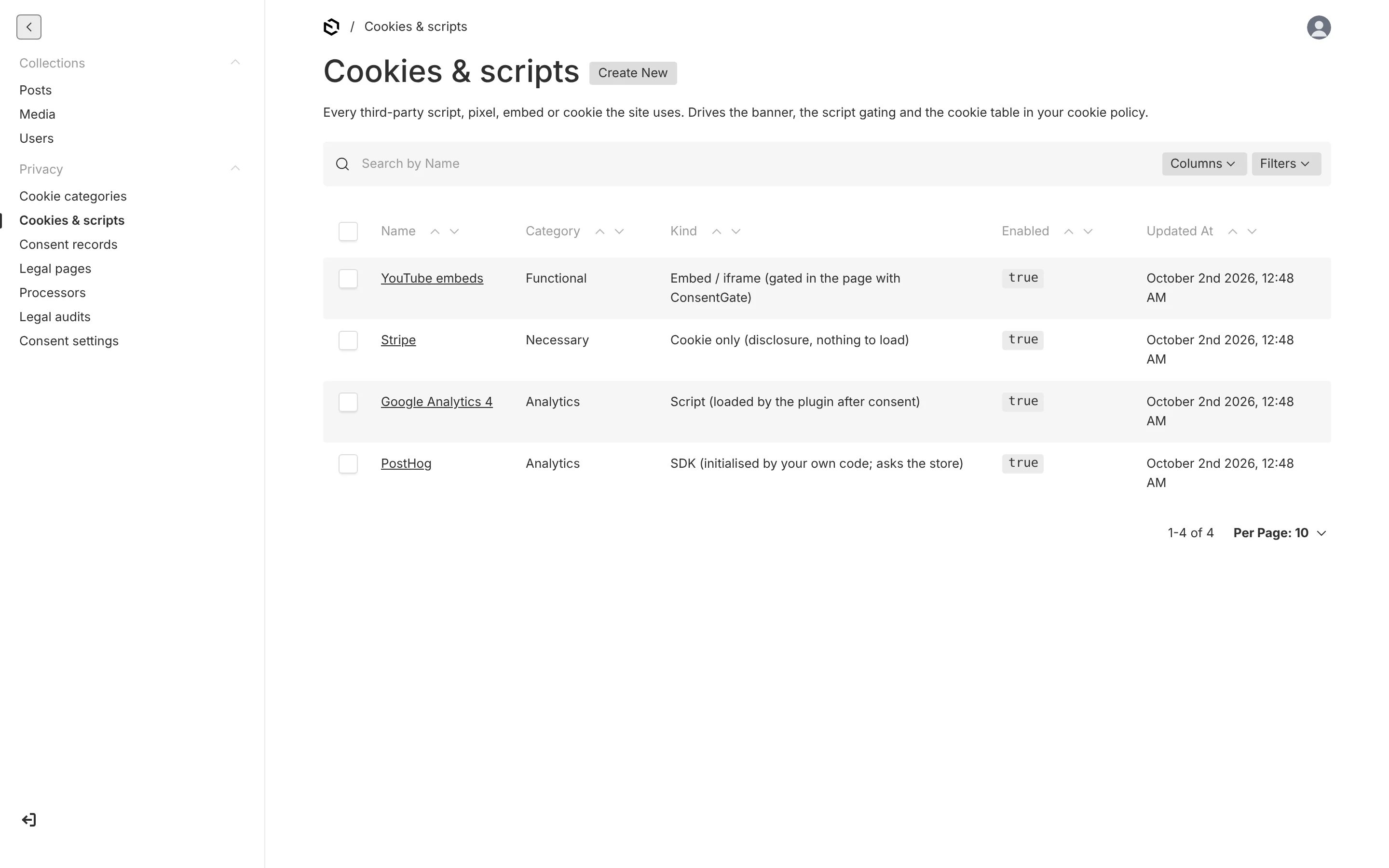
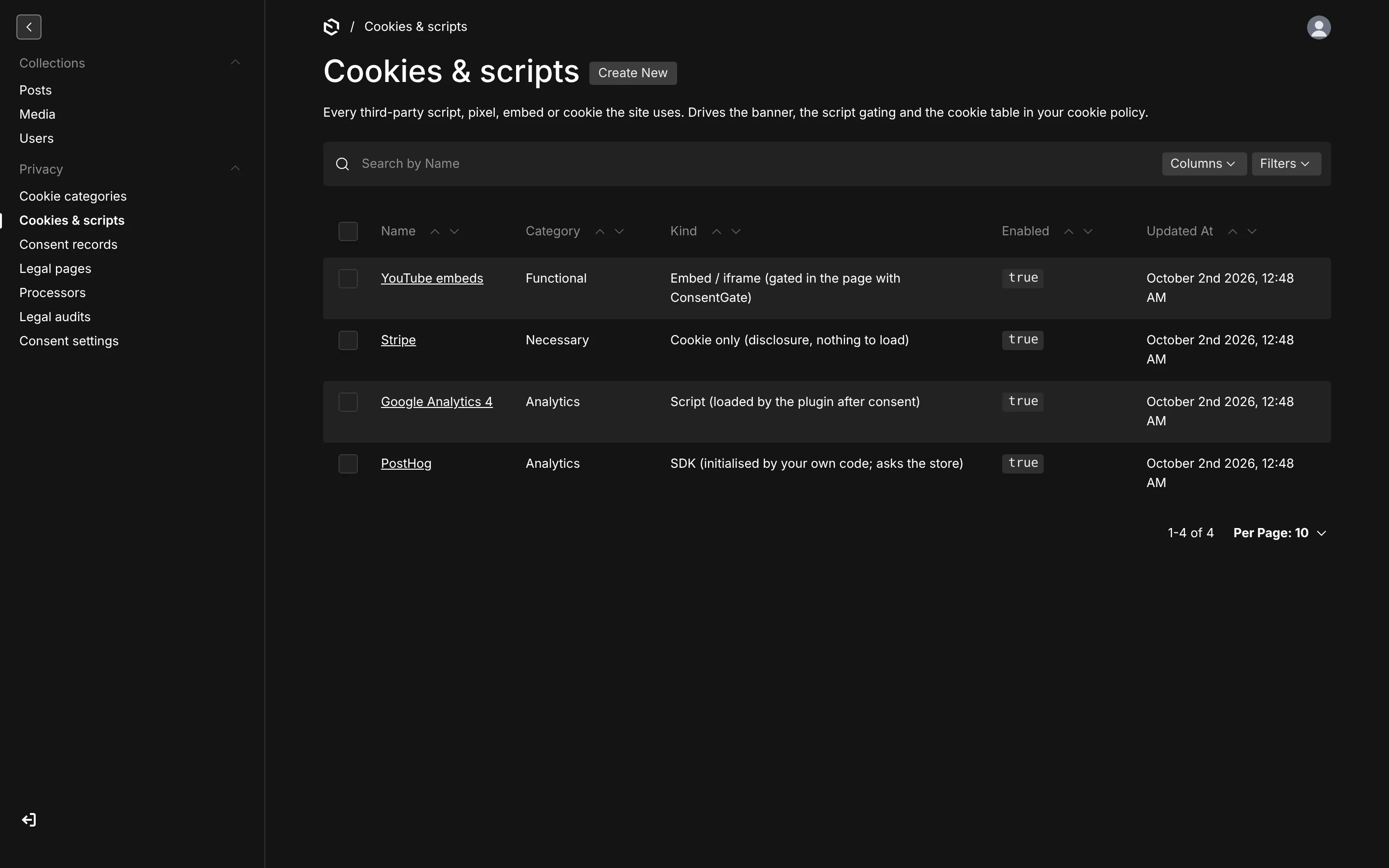
Cookies & scripts covers the fields and the presets in full.
Processors
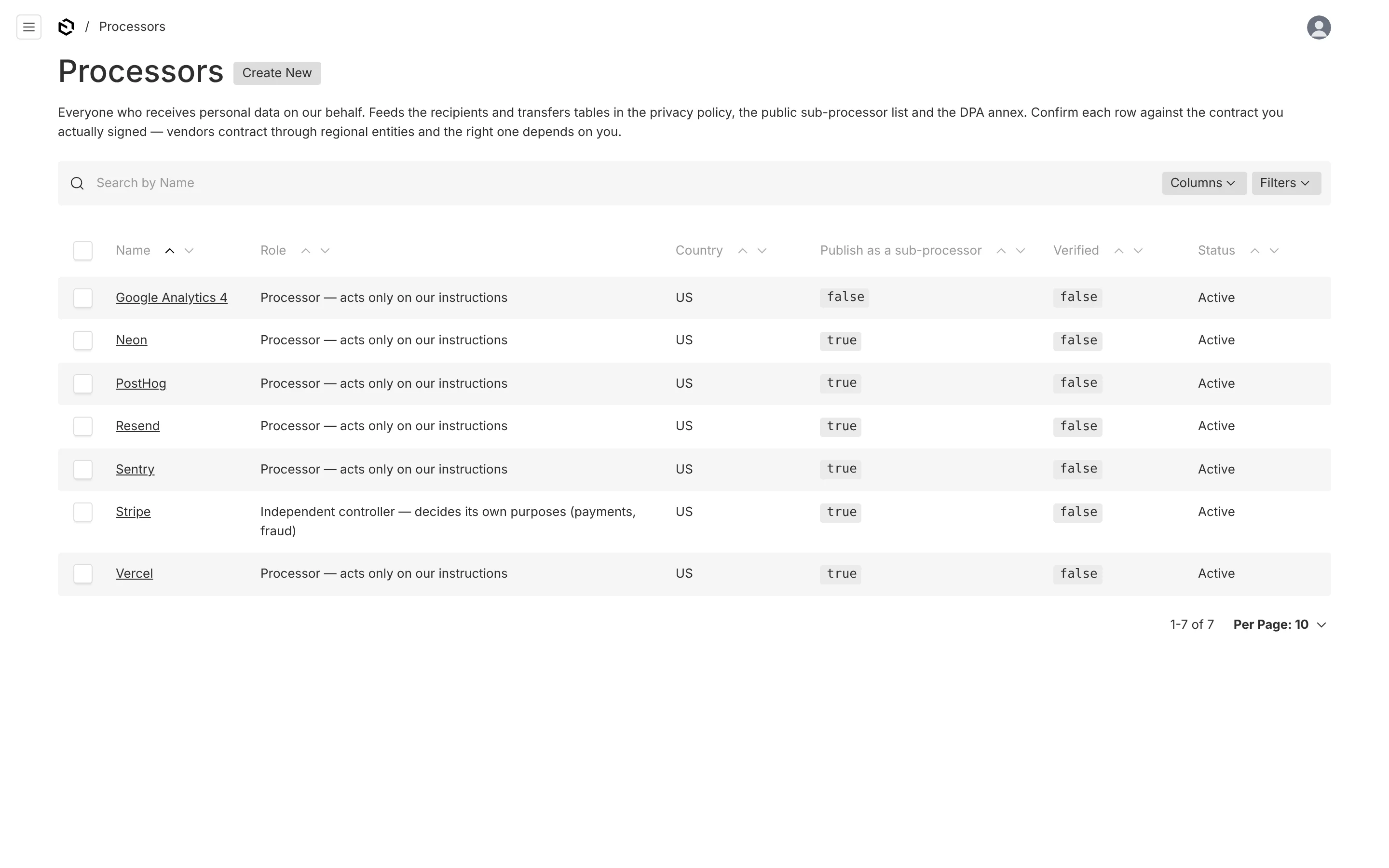
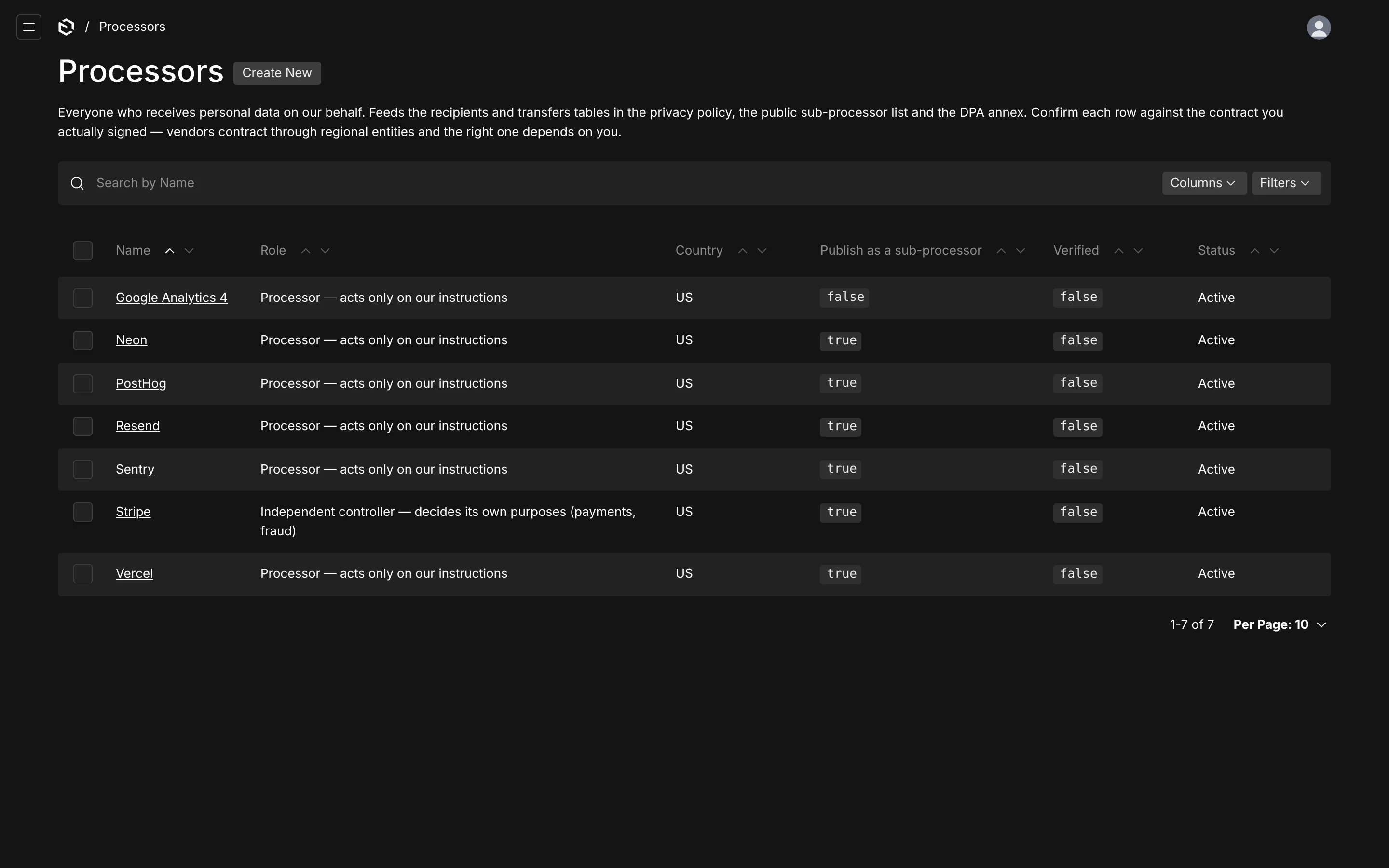
Everyone who receives personal data on your behalf, which is a superset of the tracker list: hosting, database, email, error tracking and payments never touch the consent banner. Drives the recipients and transfers tables in the privacy policy, the public sub-processor page and the DPA annex. See Processors & DPA.
Consent records
Read-only proof of each decision. They are created only through the consent endpoint, cannot be edited or deleted through the admin, and are purged after the retention period.
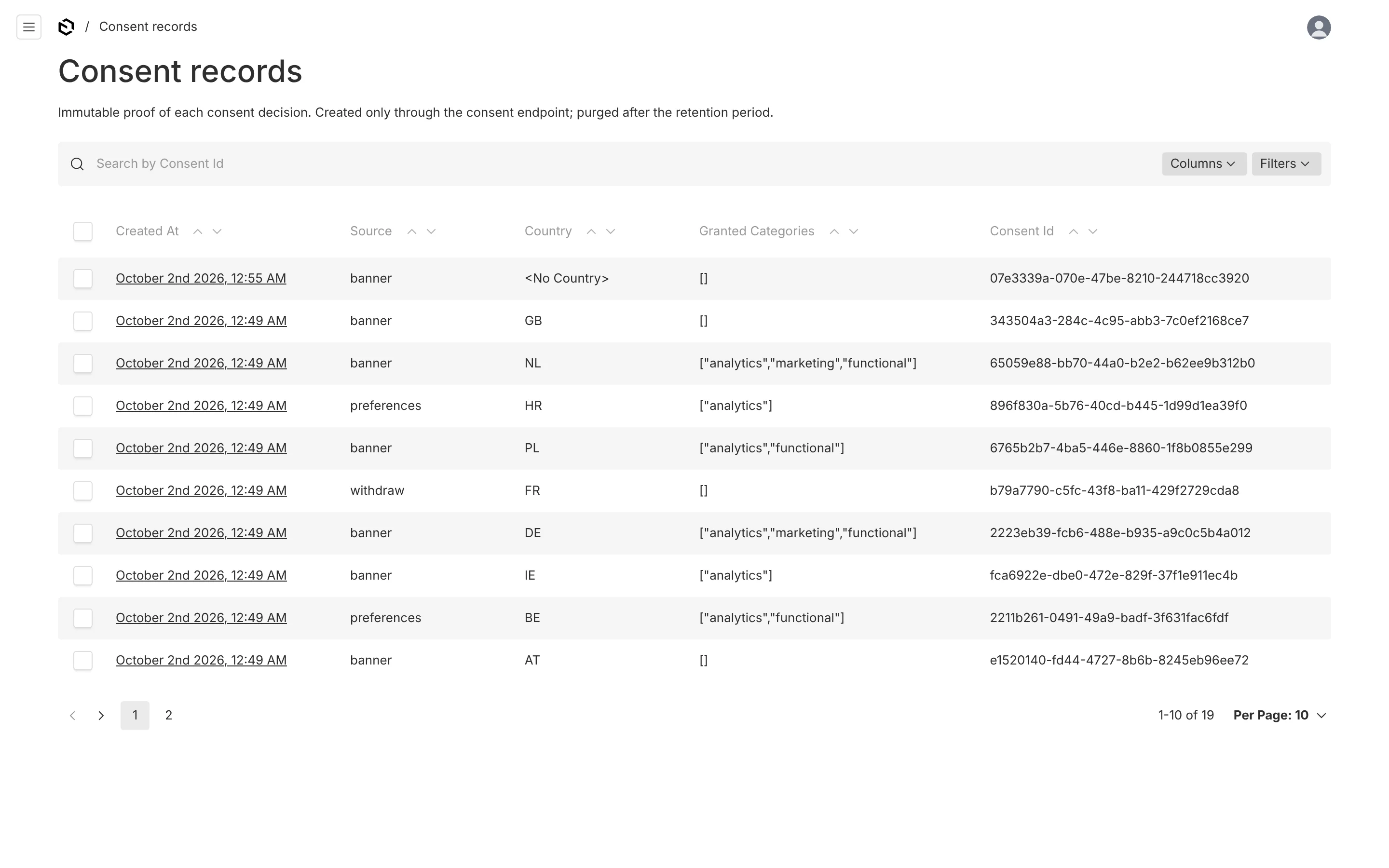
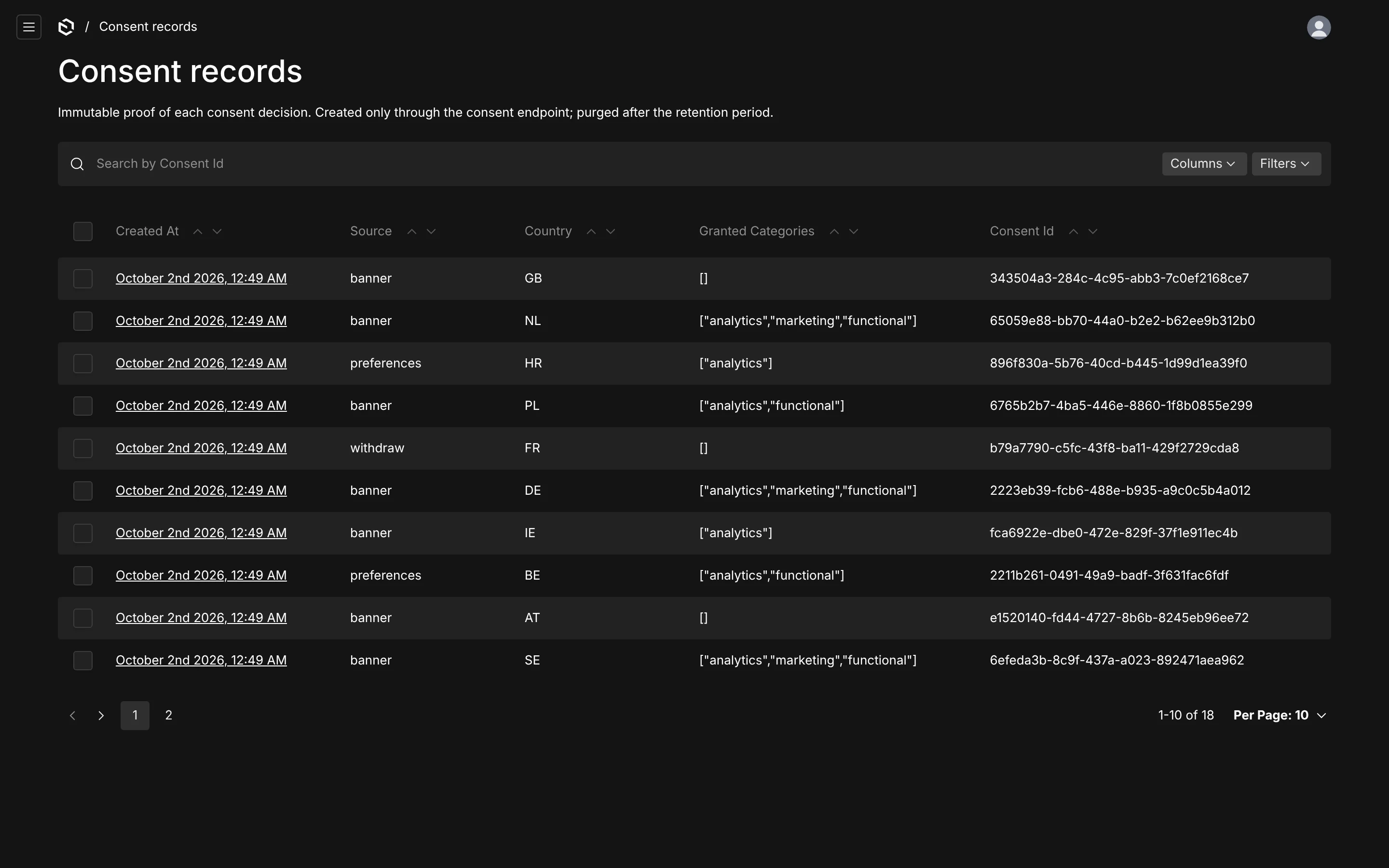
The columns are the date, the source (banner, preferences, api, gpc, withdraw, implicit), the country, the granted categories and the consent id. Records explains what is and is not stored.
Legal pages
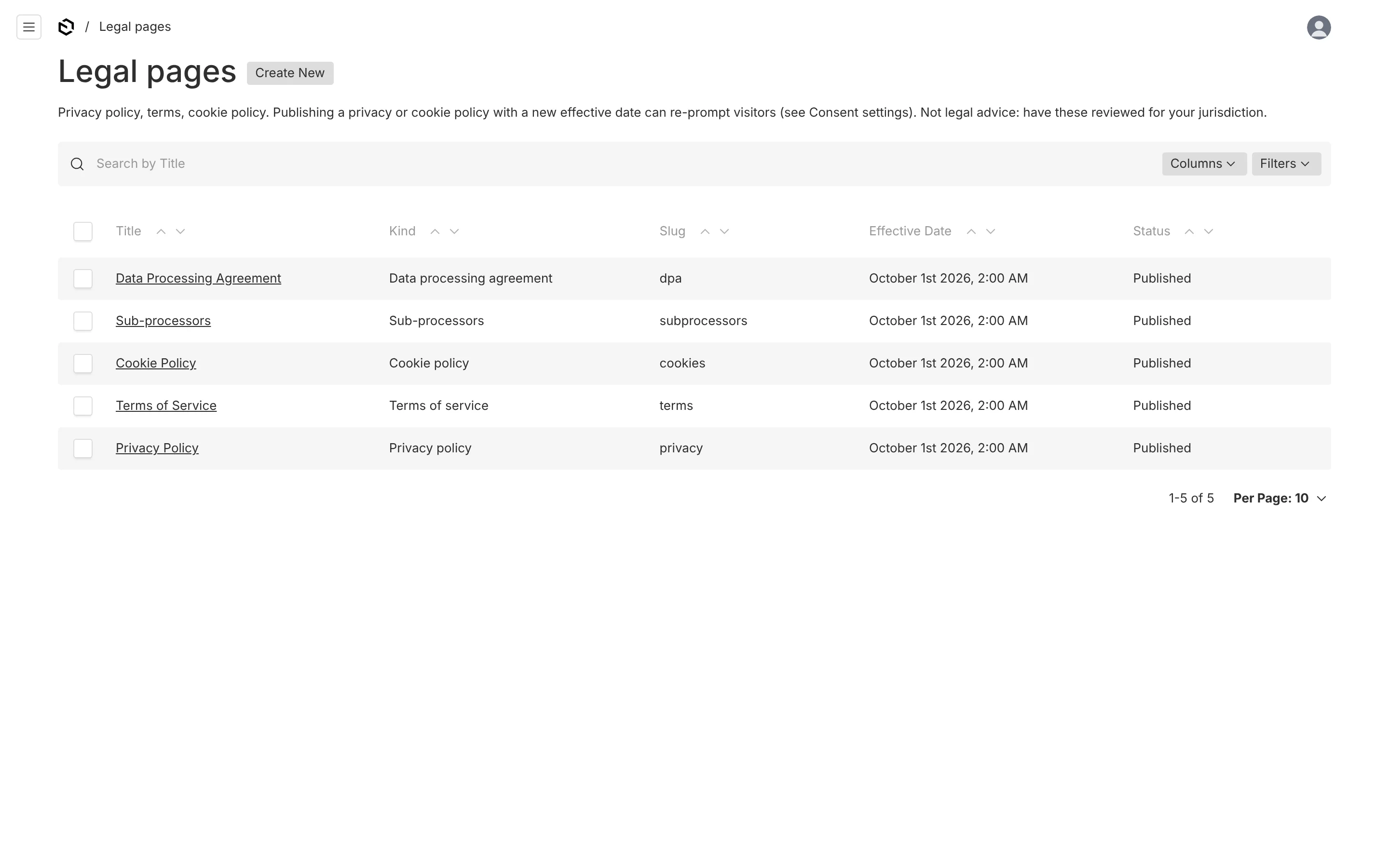
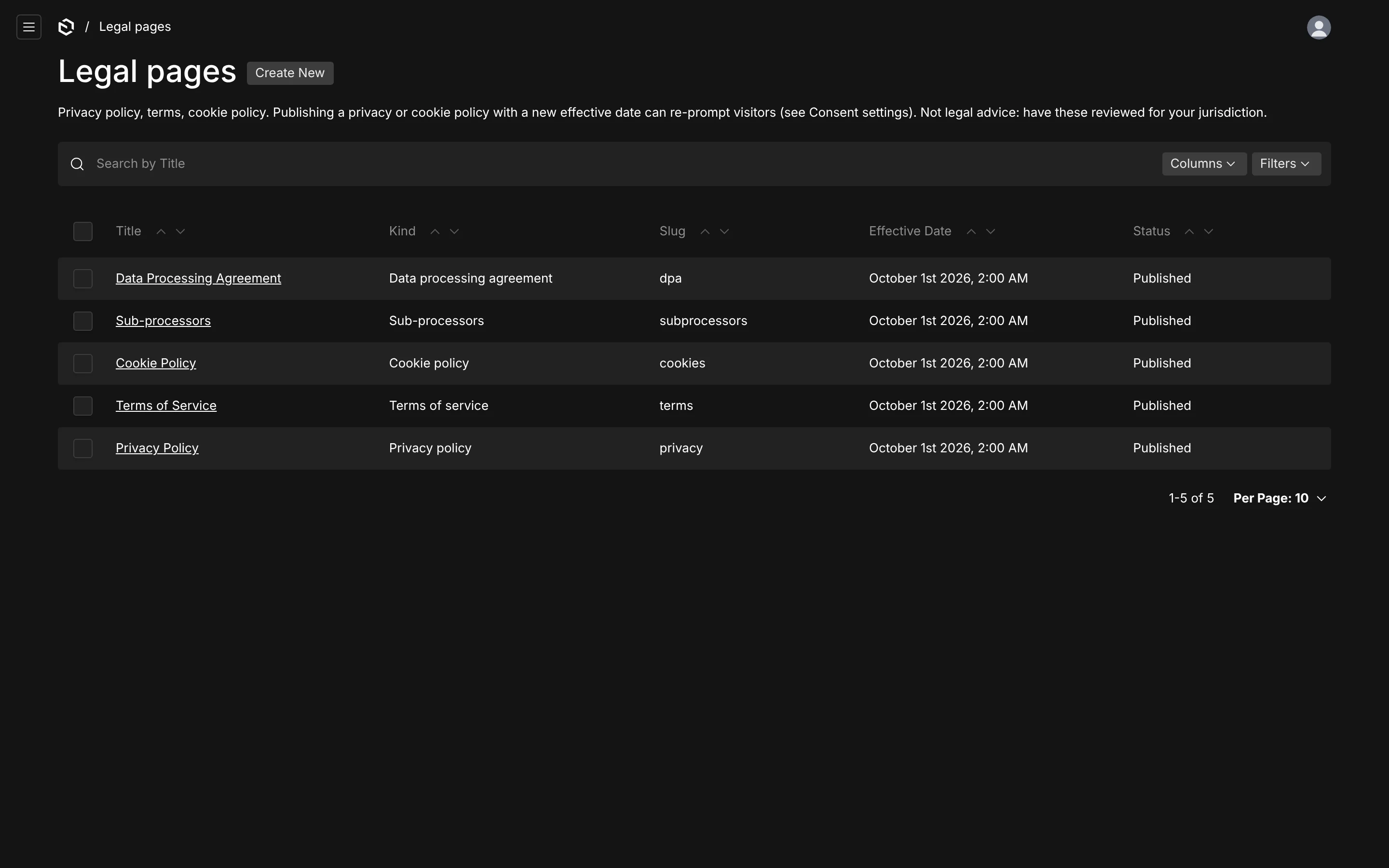
Privacy policy, terms, cookie policy and anything else, as drafts-enabled documents with a Lexical editor that has tables and two custom blocks. See Legal pages.
Who can change what
By default, reading is public (the banner needs it) and any authenticated user can manage settings, categories, trackers and read records. Restrict it in one place:
consentPlugin({
  access: { manage: ({ req }) => req.user?.role === 'admin' },
})
That single function is applied to create, update and delete on all four editable collections, to updating the settings global, and to reading consent records. Consent records are never creatable, updatable or deletable through the API regardless.
A tracker can carry an inline JavaScript snippet that runs on every page of your site. Whoever can edit Cookies & scripts can therefore run code on your frontend. Treat that permission like deploy access.