In the admin
What your team sees — the email list, the editor and its variable chips, the Preview & test tab, Email Settings and the log.
Everything here is aimed at someone who is not going to read the rest of these docs. The screens are built so an editor can change wording confidently and cannot break a send.
Transactional Emails
One document per definition, grouped and searchable. Columns: label, group, audience, enabled, last updated.
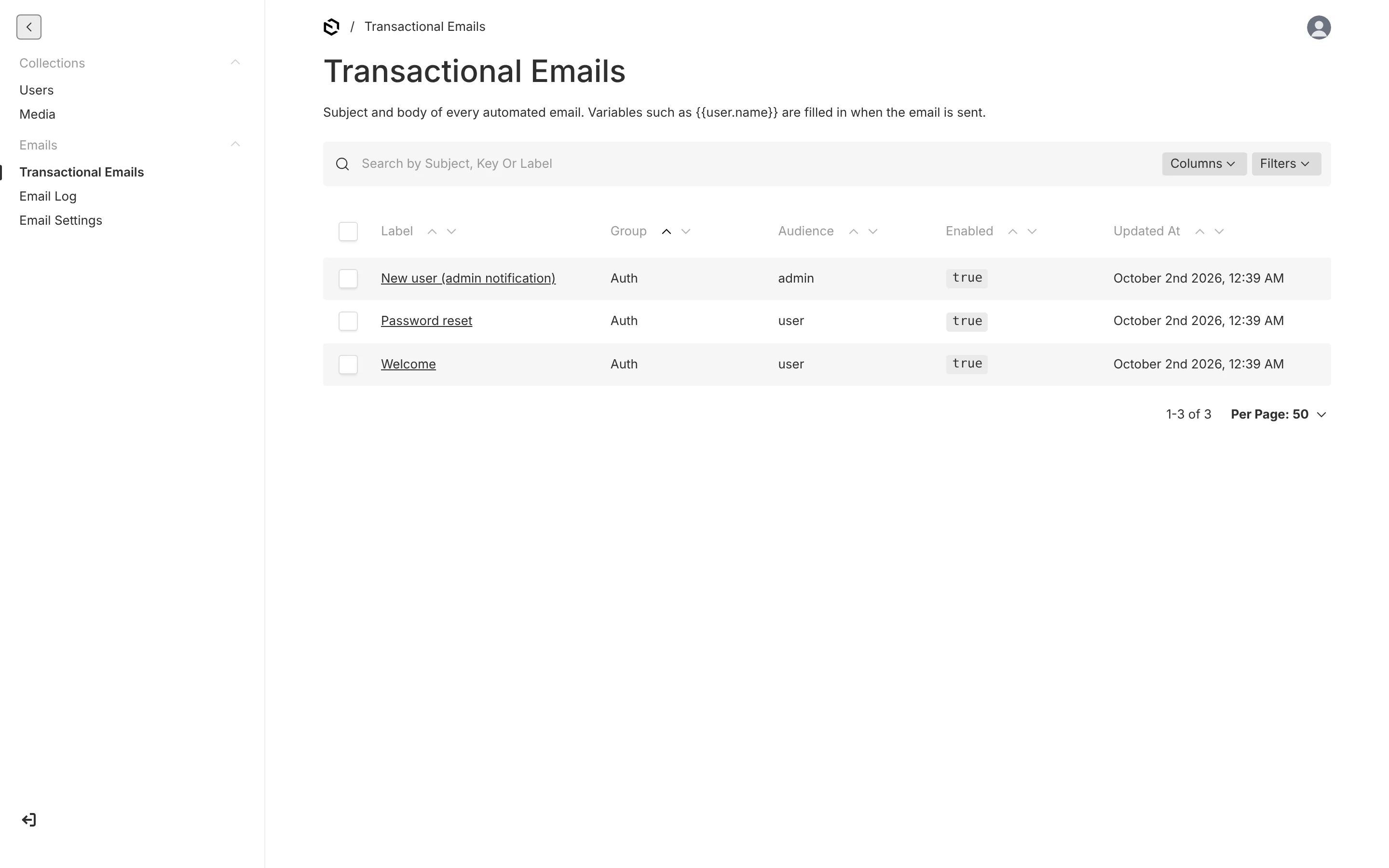
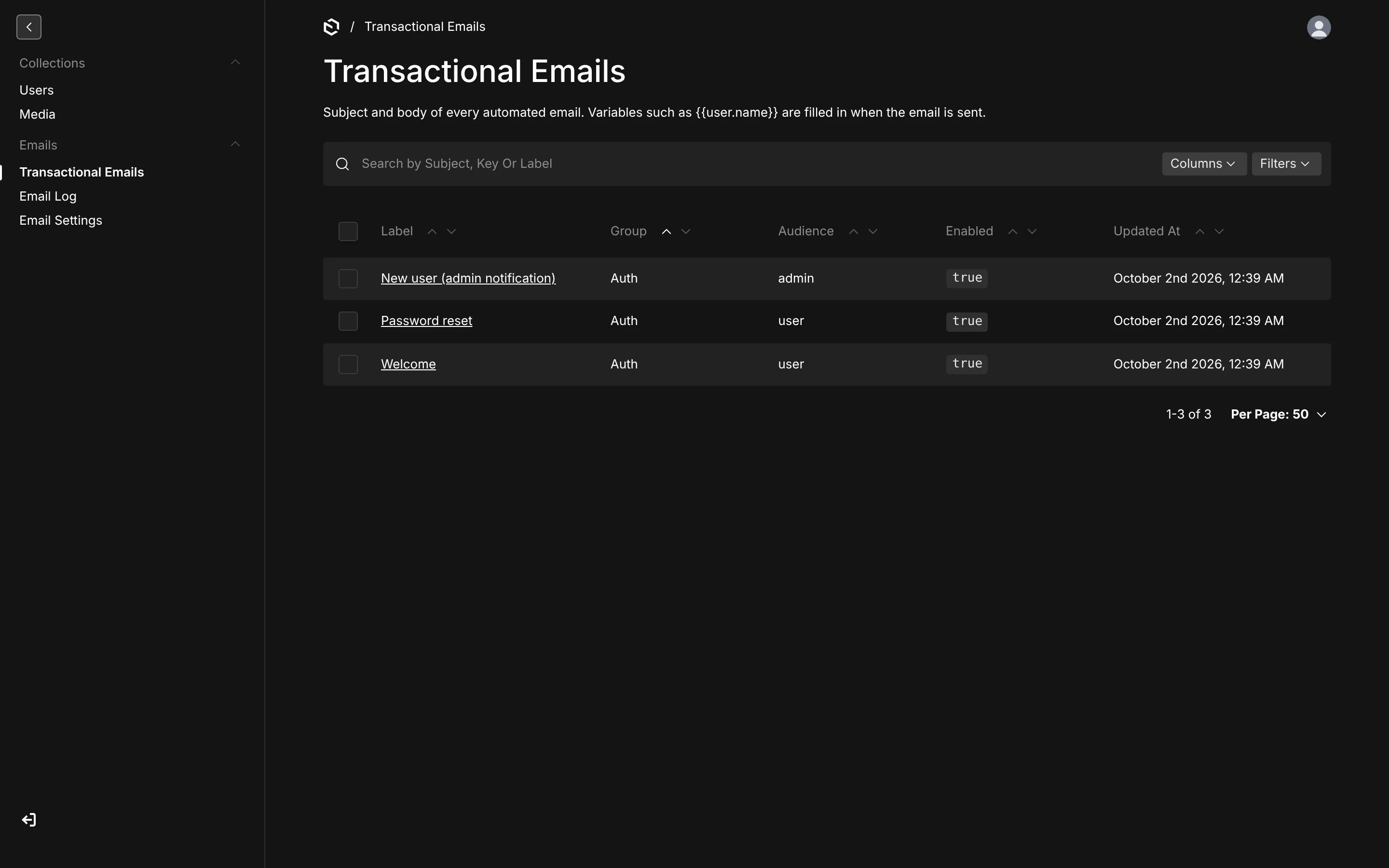
Documents cannot be created by hand — an email exists because code declares it — and each one carries a Content, Recipients and Sample data tab.
Content
Subject, Preheader (the grey line inboxes show next to the subject) and Body. The body is a rich-text editor deliberately narrowed to what mail clients render reliably: paragraphs, three heading levels, bold, italic, underline, strikethrough, links, lists, quotes, dividers and a Button block. No tables, no font pickers, no colour controls — that is the template's job.
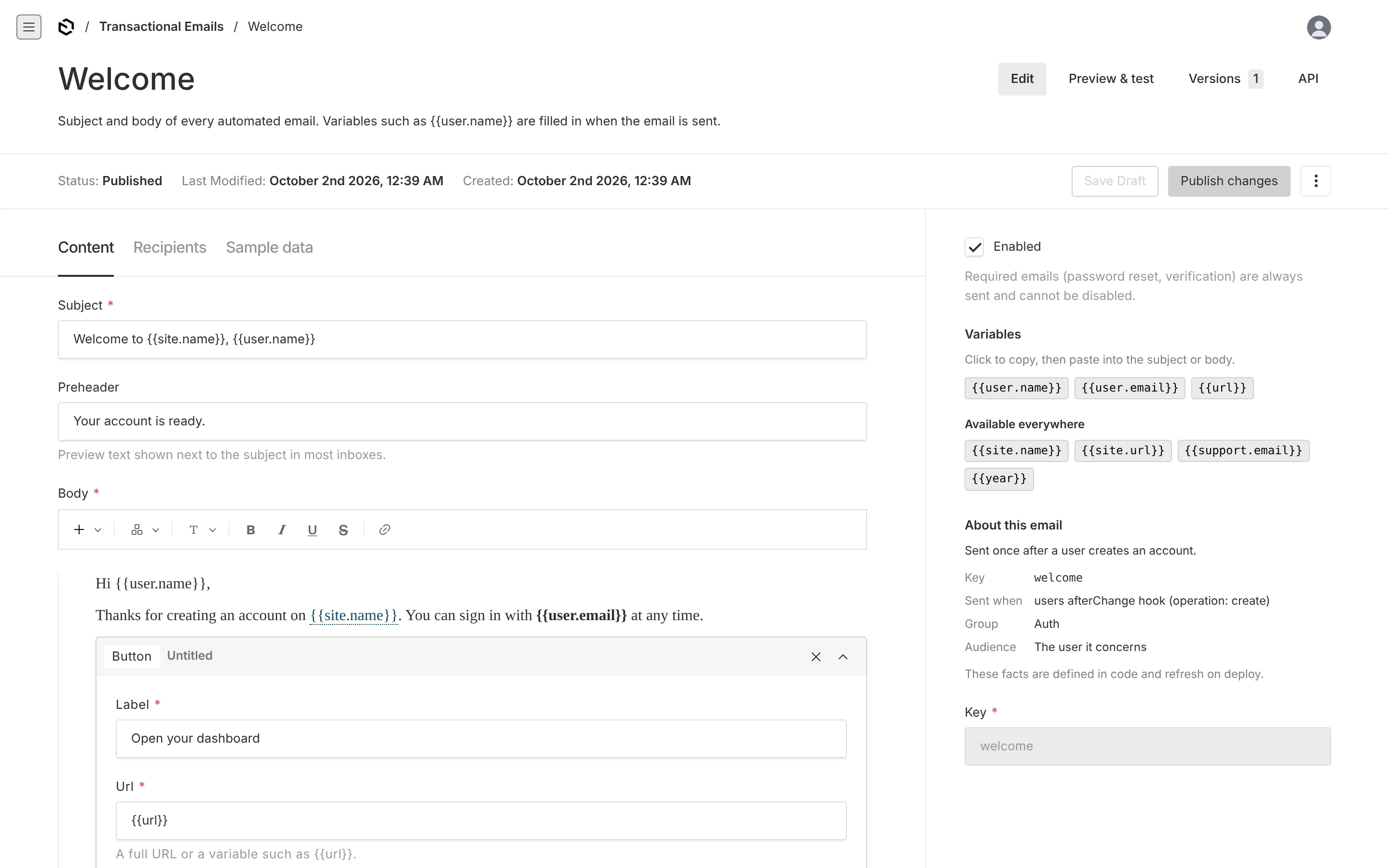
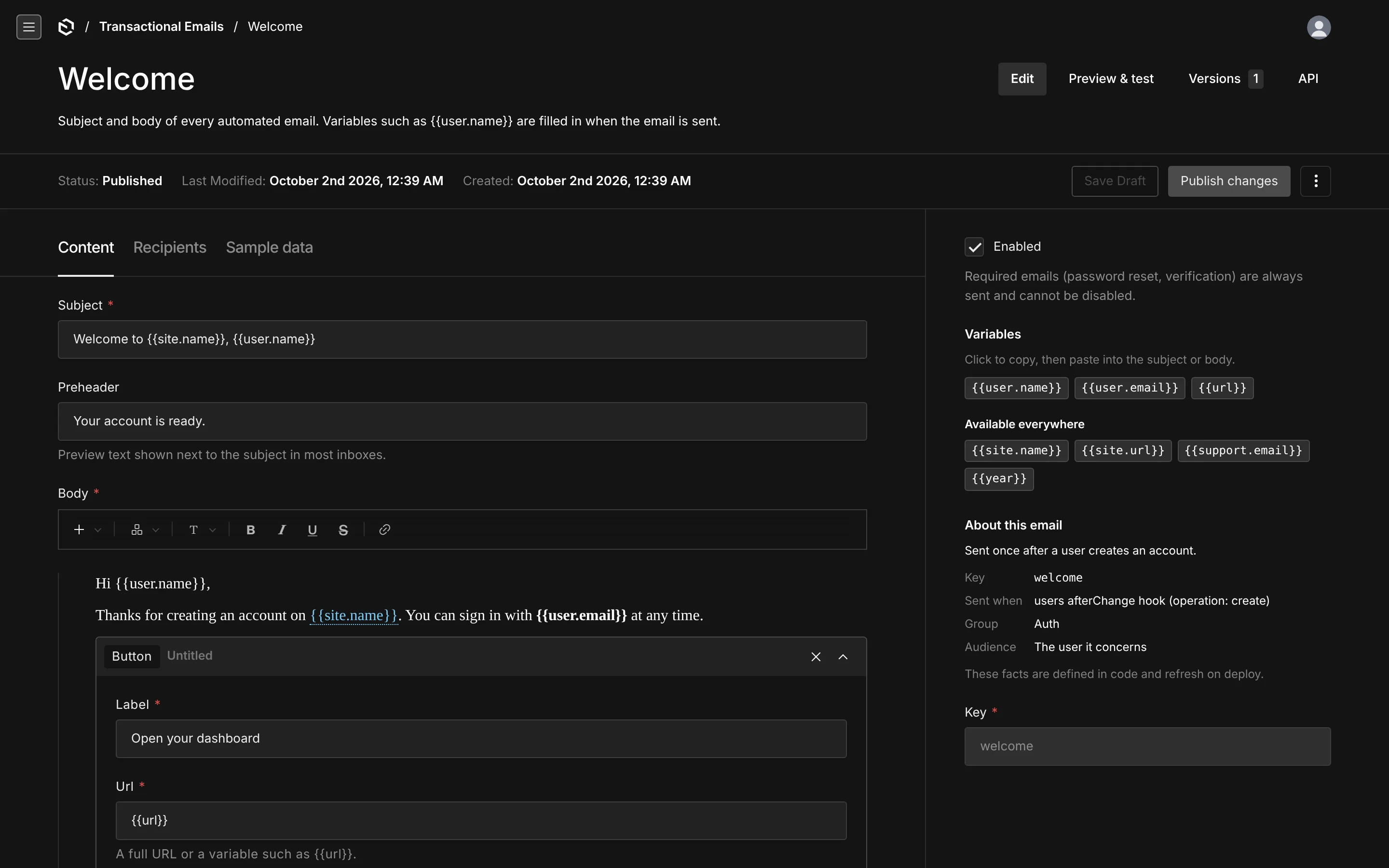
Versions and drafts are on, so a change can be saved as a draft, reviewed and published. Sending always uses the published version; the preview can show either.
Variables
The sidebar lists exactly the variables this email may use. Click one to copy {{user.name}} to the clipboard, hover for its description and an example. A second group lists the ones available everywhere.
Save a subject or body containing something else and the save is rejected with the list of what is allowed:
Unknown variable
{{user.nmae}}. Available:{{user.name}},{{user.email}},{{url}},{{site.name}}…
Two more cases are caught for you: unbalanced braces, and a variable broken up by formatting — if half of {{user.name}} ends up bold, it would silently never resolve, so the editor is told to retype it.
About this email
Read-only facts from code: the key, when it fires, its group, who it goes to, whether it is required. If a definition is deleted from the code, the document is badged Orphaned — no longer defined in code and can be deleted.
Enabled
A switch. Required emails — password reset, verification, receipts — show a note explaining they cannot be turned off, and the switch is forced back on if anything tries.
Recipients
For admin and custom emails: extra To addresses, plus Cc, Bcc and Reply-to for any email. Empty means the defaults from code and Email Settings.
Preview & test
The tab that makes the rest trustworthy. It renders the real email — the same pipeline that runs in production — and can put it in your inbox.
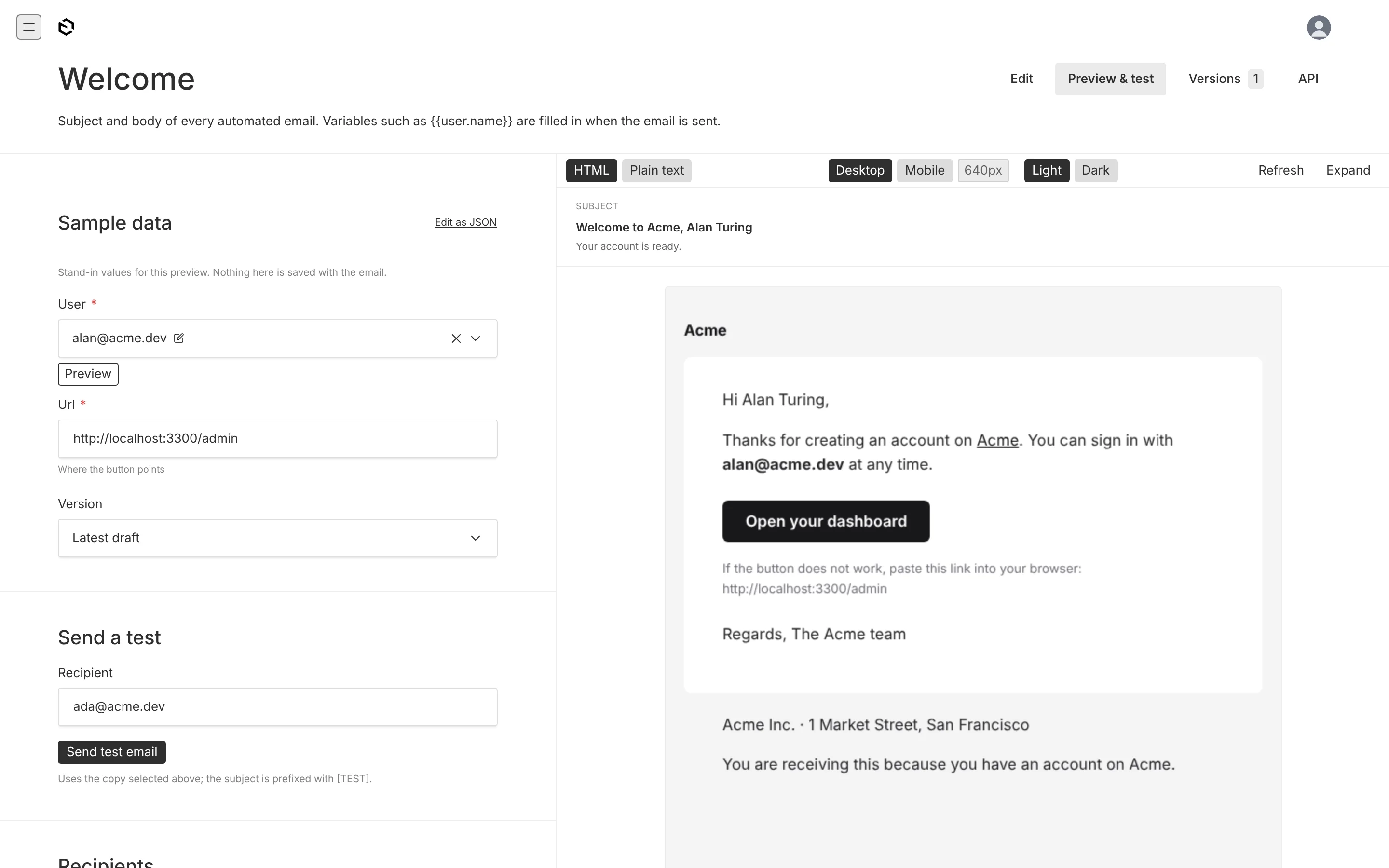
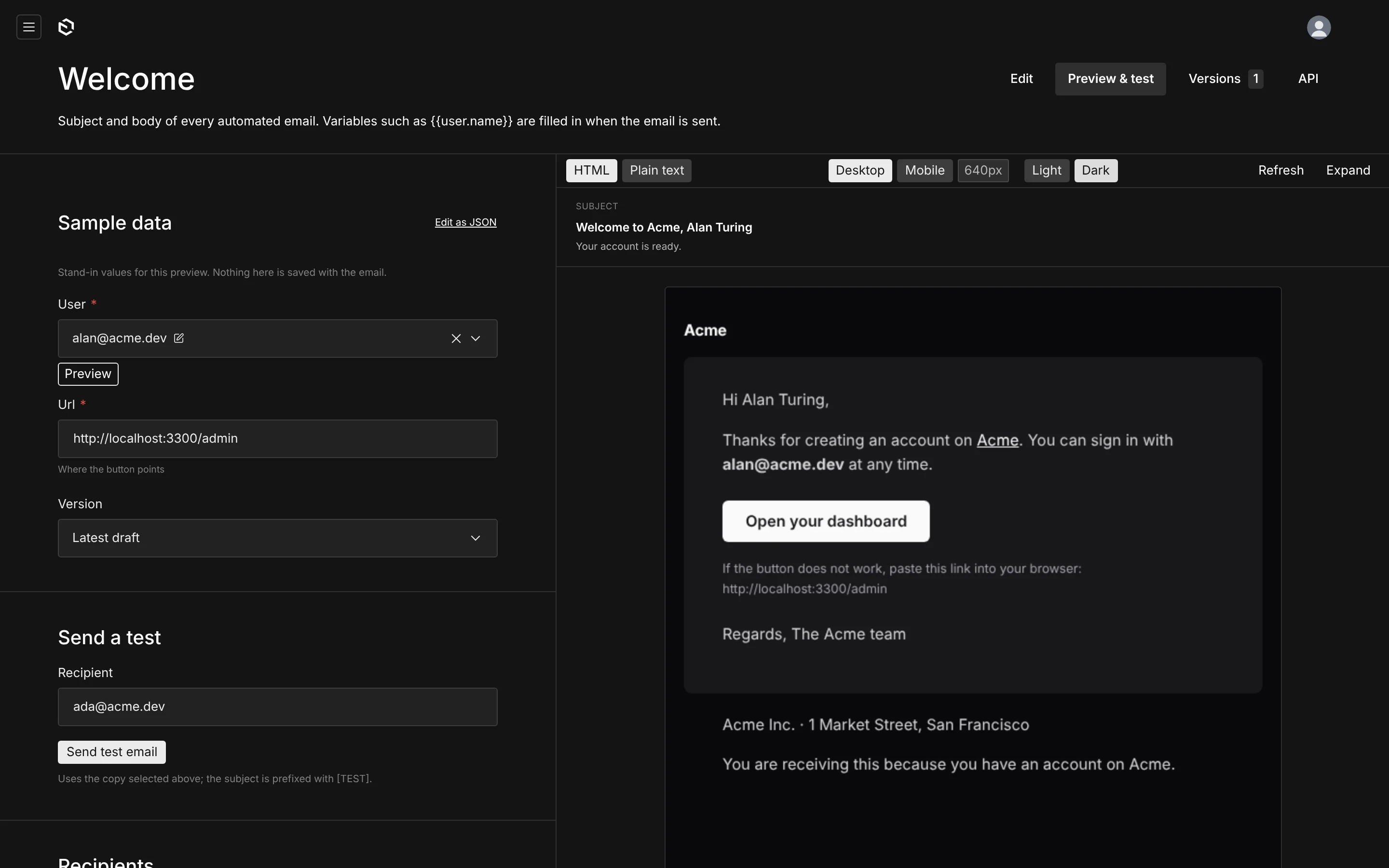
Sample data is a form built from that email's own input schema. Relationship fields offer real documents by name; selects are dropdowns; dates get a picker. Type in it and the preview re-renders. There is an Edit as JSON toggle for anything unusual, but nobody has to touch JSON. Left empty, it falls back to the sample defined in code.
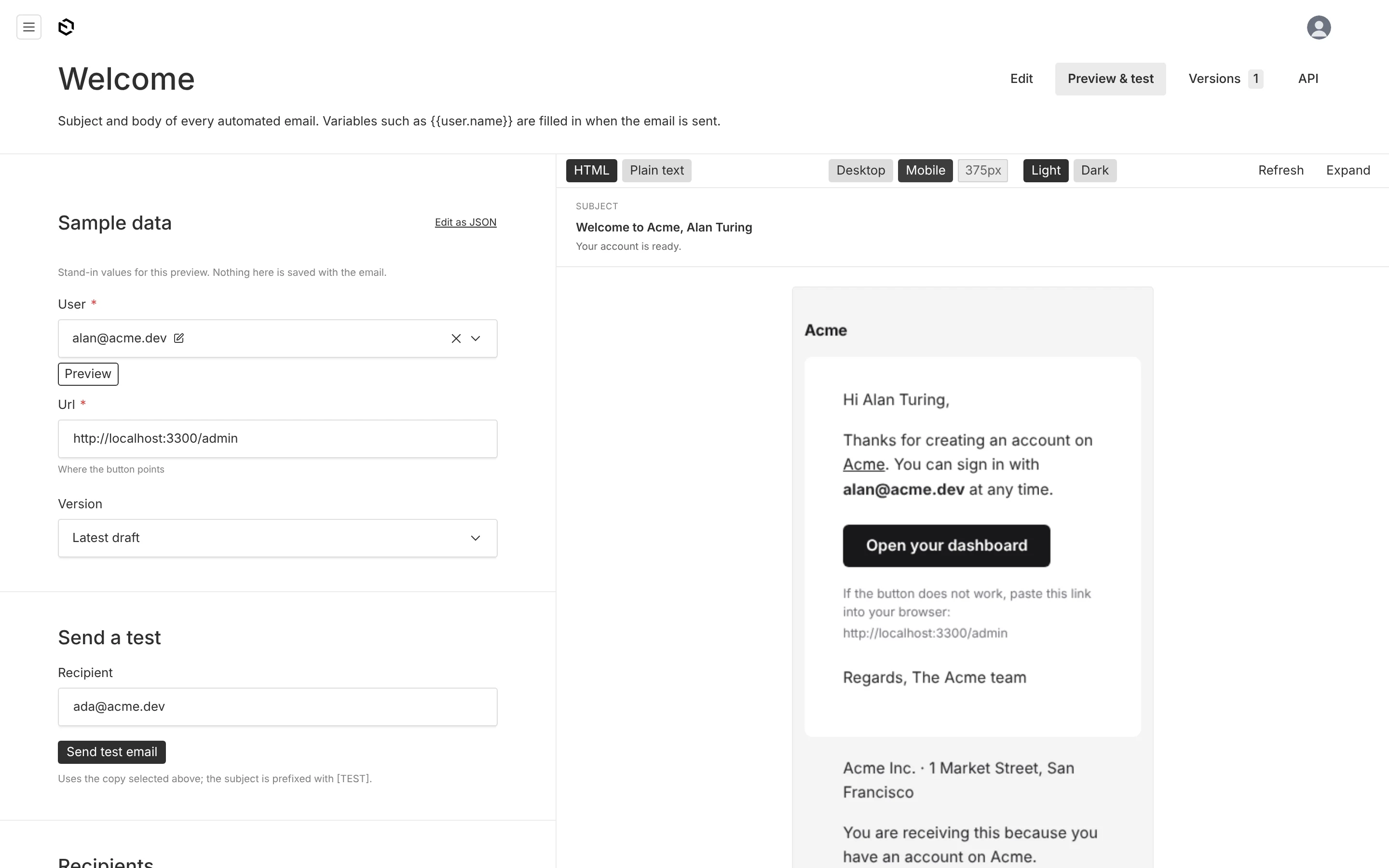
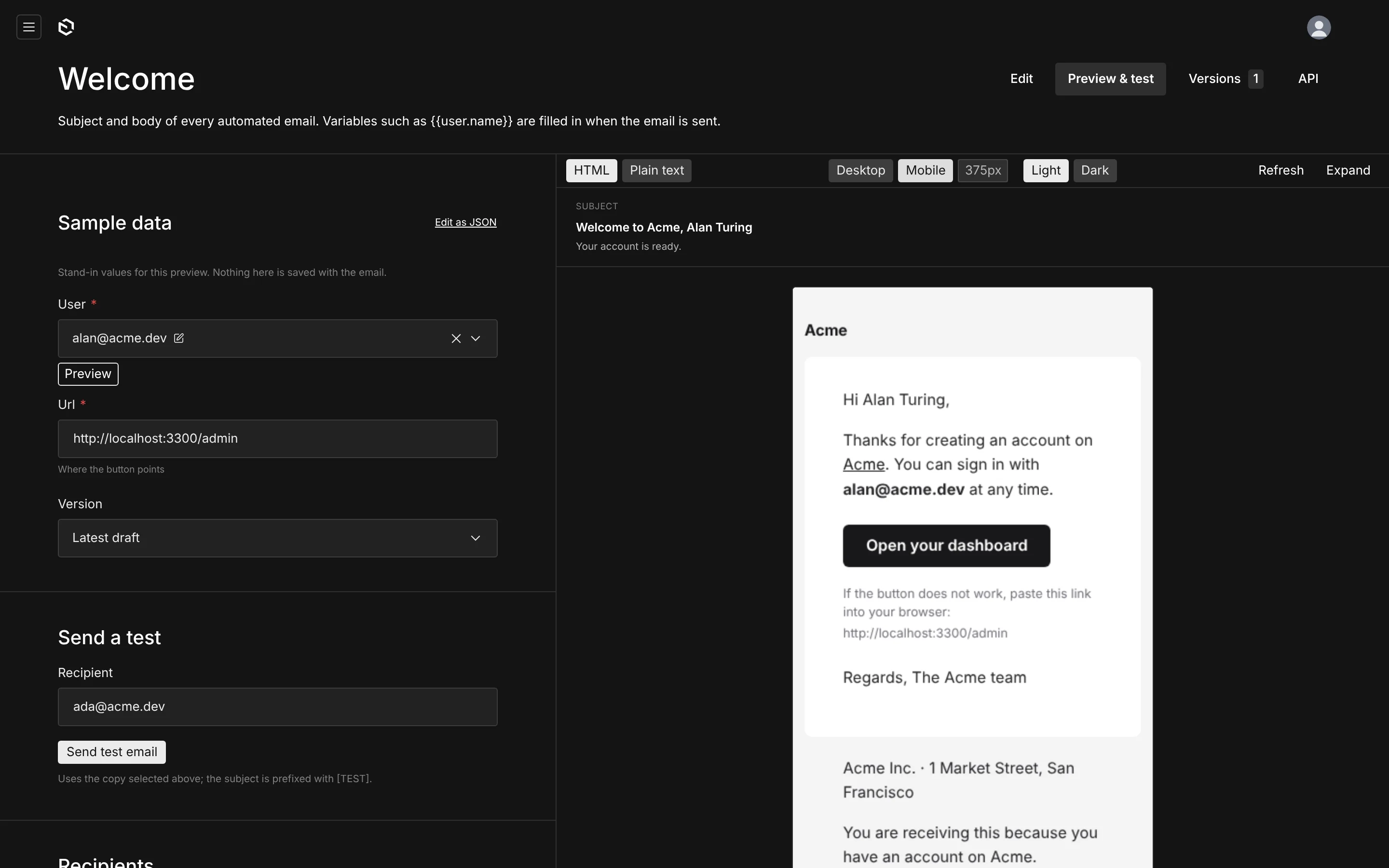
The right-hand side shows the subject and preheader as an inbox would, then the rendered email in a sandboxed frame, with:
- HTML / Plain text — the multipart alternative most clients fall back to,
- Desktop / Mobile — 640px and 375px,
- Latest draft / Published — what an editor is about to publish versus what is going out now,
- a locale switch, when the project is localized.
Below it: the recipients that resolved, and every variable with its final value — the fastest way to answer "why is this name blank?".
Send a test delivers the whole thing to any address through the real adapter, with [TEST] in front of the subject.
If a sample references a document that no longer exists, the preview does not fail — it renders with the example values from the manifest and says so in a banner.
Email Settings
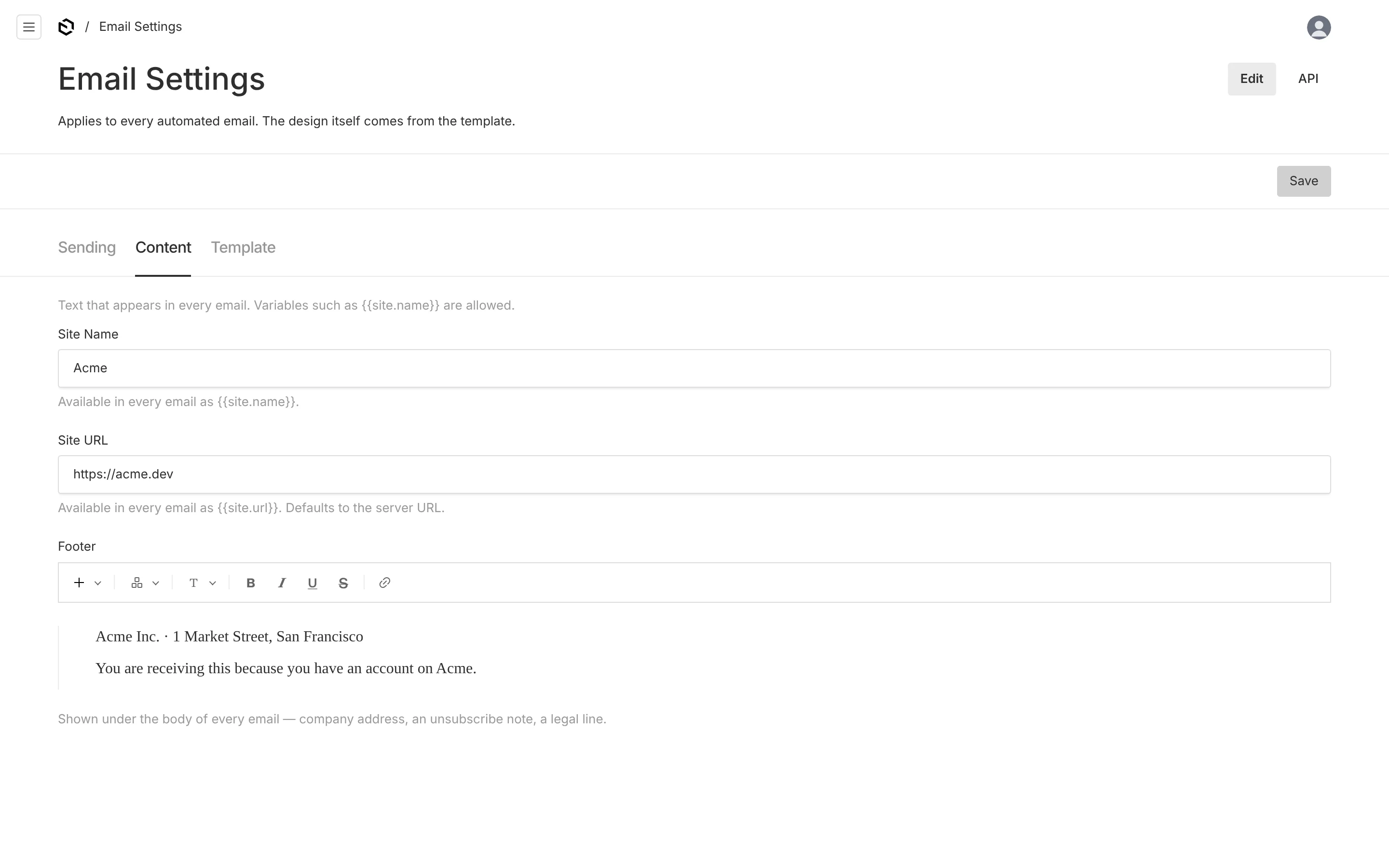
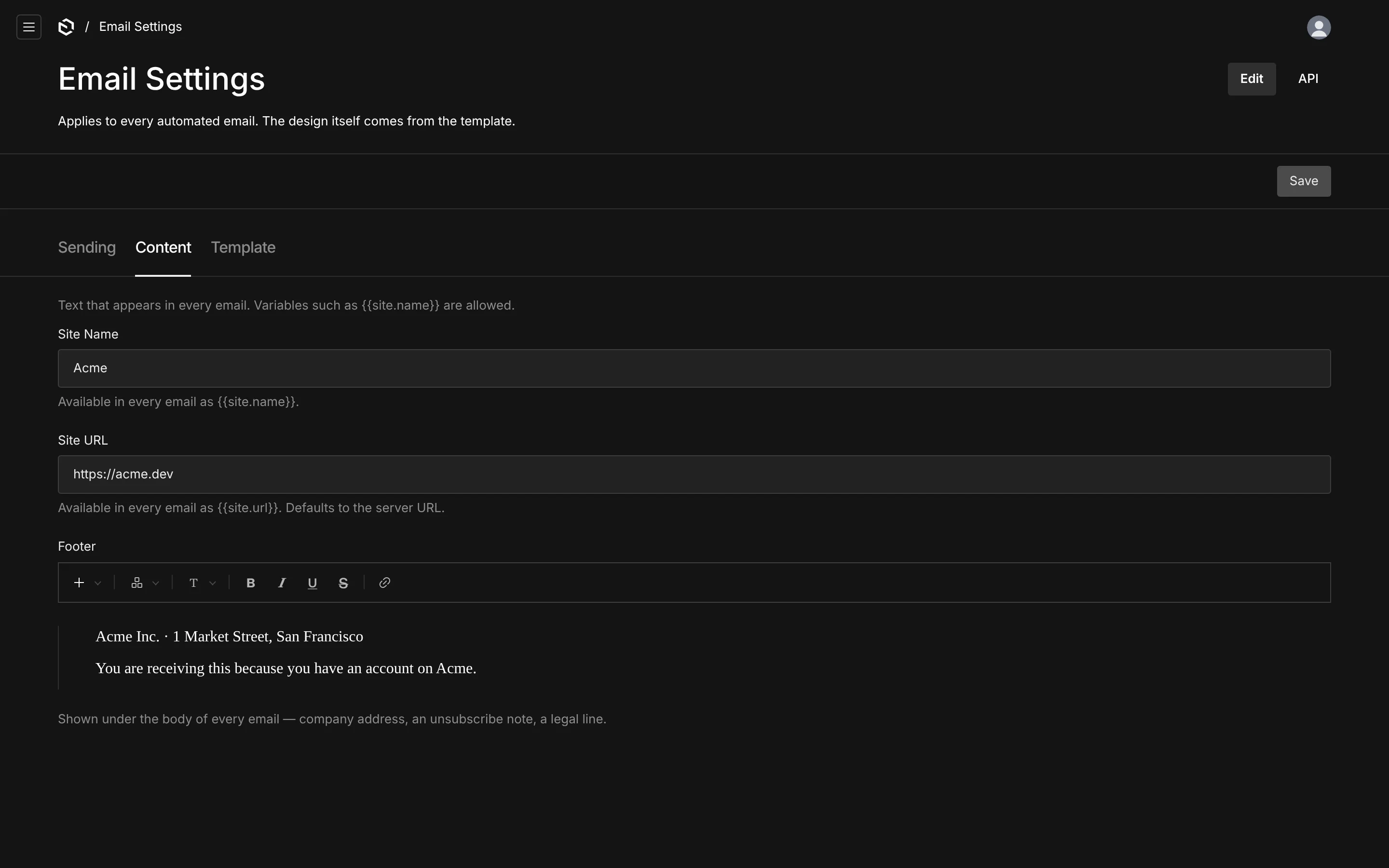
| Tab | Fields |
|---|---|
| Sending | From name and address, reply-to, admin recipients, the address prefilled in Send a test |
| Content | Site name and URL ({{site.name}}, {{site.url}}), and the footer shown under every email |
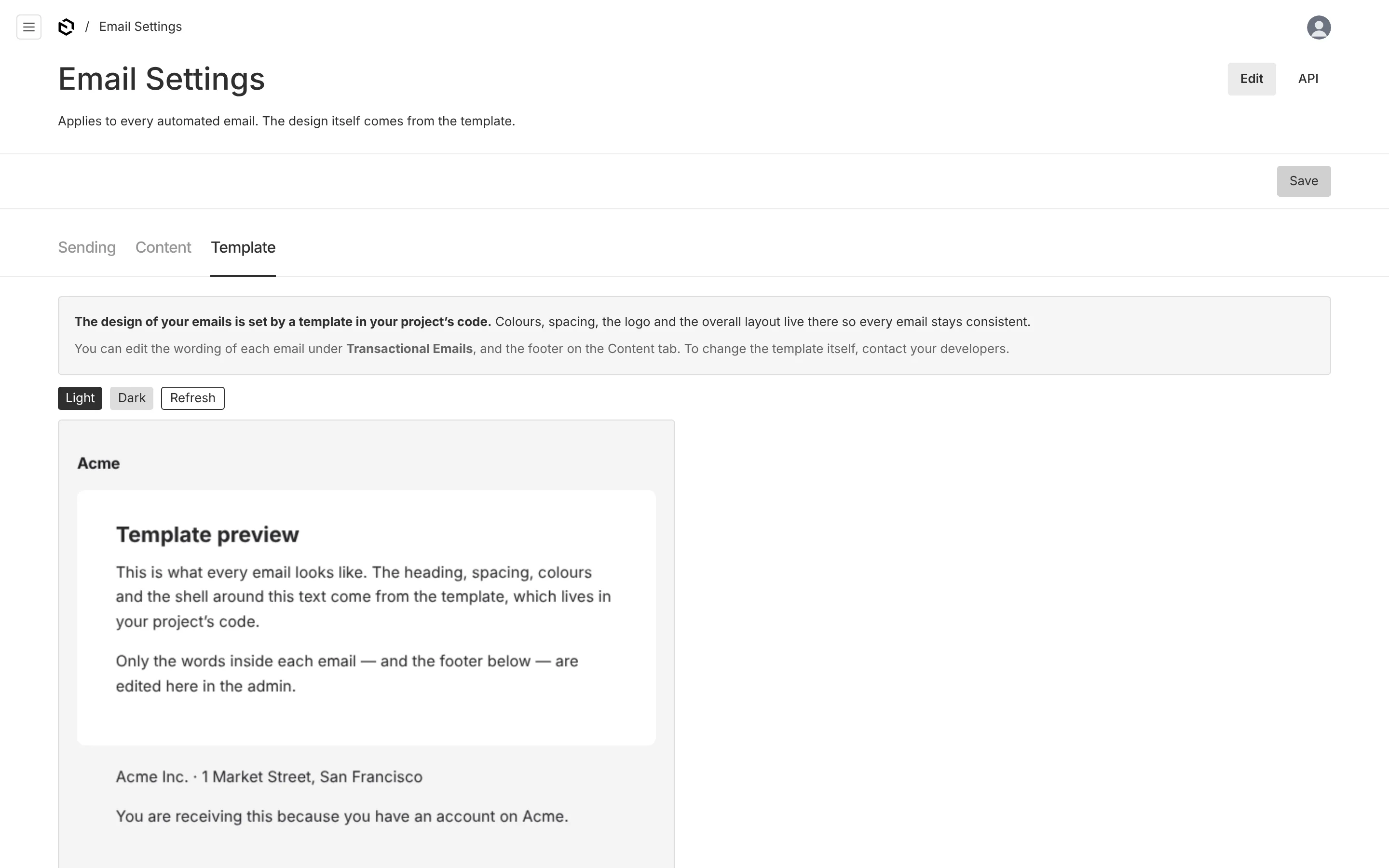
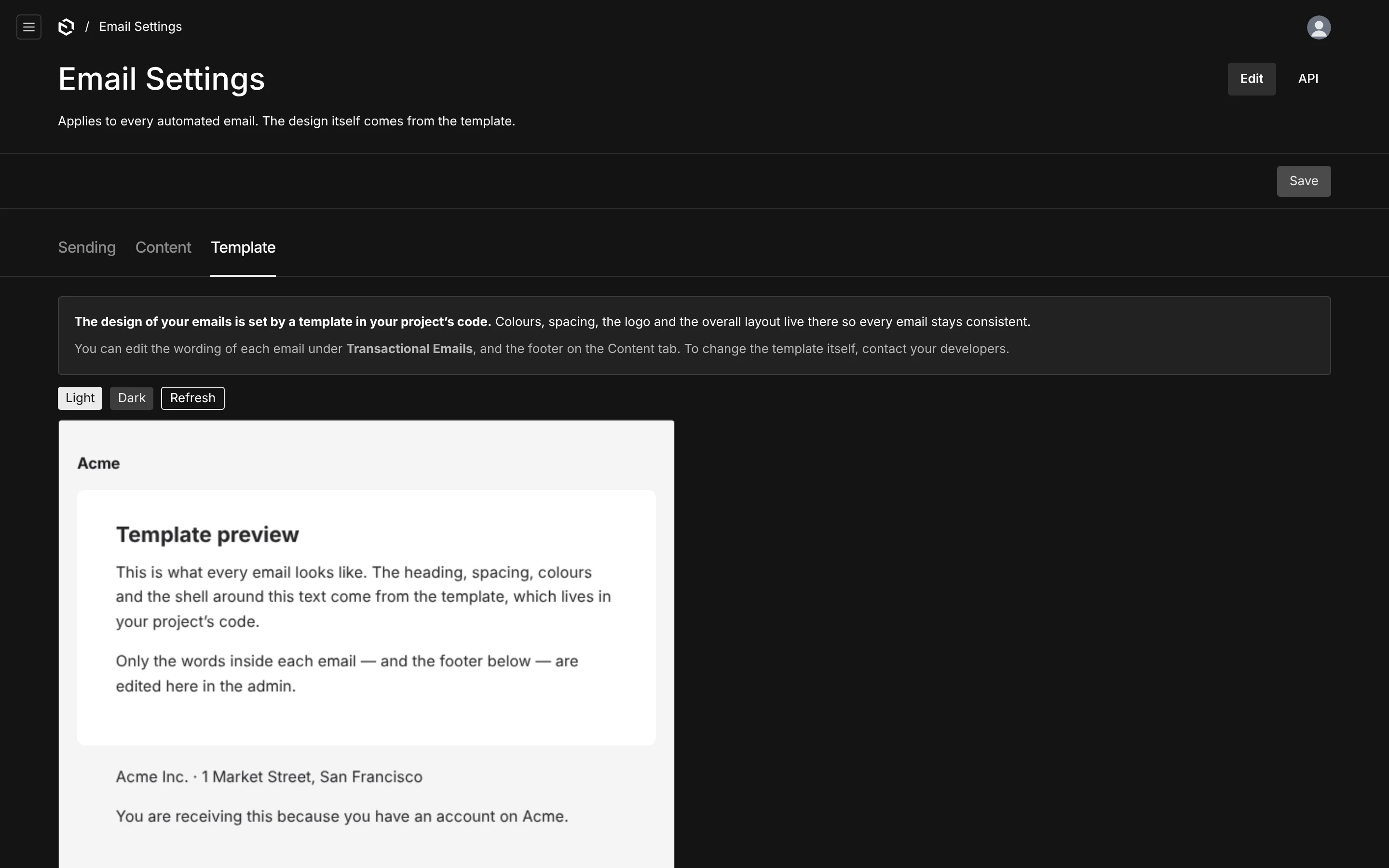
| Template | A live preview of the template with placeholder copy |
The Template tab exists to answer a question editors ask constantly. It shows the design and states plainly:
The design of your emails is set by a template in your project's code. Colours, spacing, the logo and the overall layout live there so every email stays consistent. You can edit the wording of each email under Transactional Emails, and the footer on the Content tab. To change the template itself, contact your developers.
Email Log
Off by default. Once log.enabled is on, every attempt is recorded — key, status, recipients, subject, reason, error, message id, duration — read-only, newest first. Enough to answer "did it go out, and when" without a provider dashboard, and storeHtml / storeVariables add the full render when you are debugging.
![The Email Log: key, recipient, subject, status and time of every send, including a [TEST] send](/_next/image?url=%2Fimages%2Fdocs%2Fpayload-emails%2Flog-light.webp&w=3840&q=75&dpl=dpl_FSbVFacsWqdjNHNHUHzzUwAeH325)
![The Email Log: key, recipient, subject, status and time of every send, including a [TEST] send](/_next/image?url=%2Fimages%2Fdocs%2Fpayload-emails%2Flog-dark.webp&w=3840&q=75&dpl=dpl_FSbVFacsWqdjNHNHUHzzUwAeH325)
Personal data lives here, so it is admin-only, keeps nothing by default beyond the addressing, and honours retentionDays.
Permissions
Read, update and delete default to any authenticated admin-panel user. Narrow them with the access option — a content-editor role that may edit copy but not settings is a common shape.
emailsPlugin({
  emails,
  access: {
    read: ({ req }) => Boolean(req.user),
    update: ({ req }) => req.user?.role === 'admin' || req.user?.role === 'editor',
    delete: ({ req }) => req.user?.role === 'admin',
  },
})