Admin
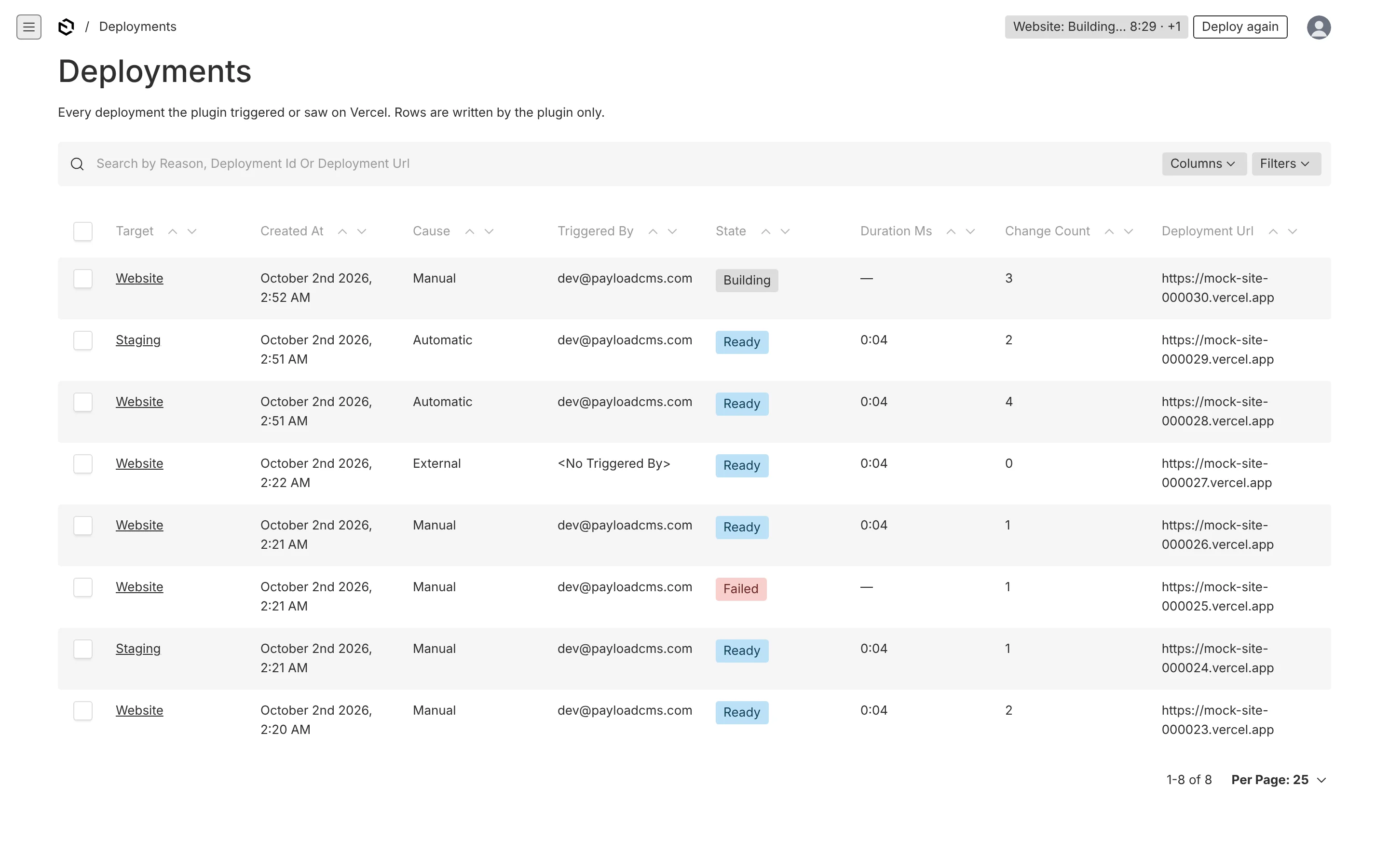
The header widget, the Deploy drawer, the Deployments view, the document pill and the deployments collection.
Everything here is aimed at whoever maintains the site's content, not at developers. The rule of thumb: the pill in the header tells you whether the site is behind; the Deploy button fixes it; the Deployments page tells you what happened. You never need a Vercel account.
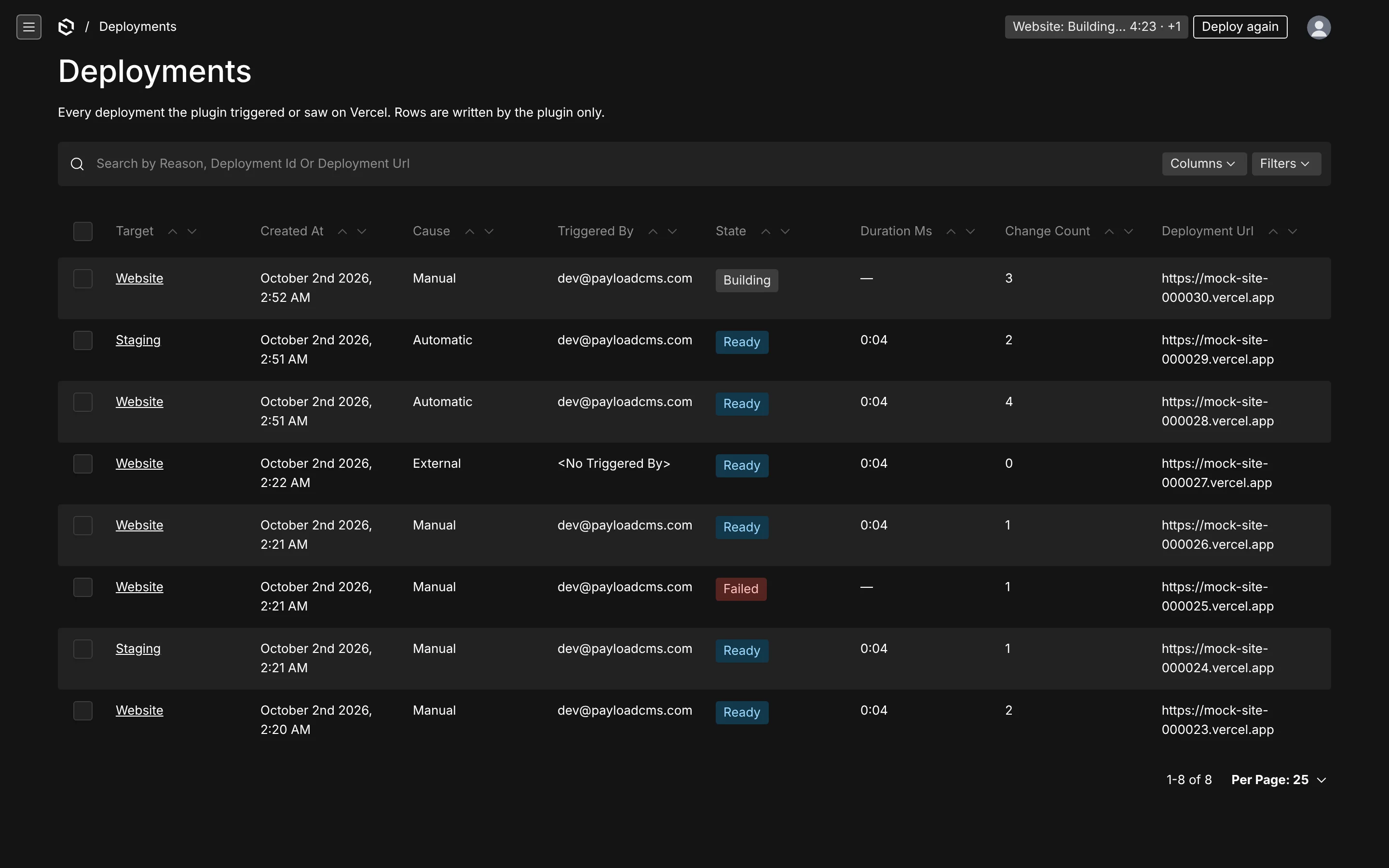
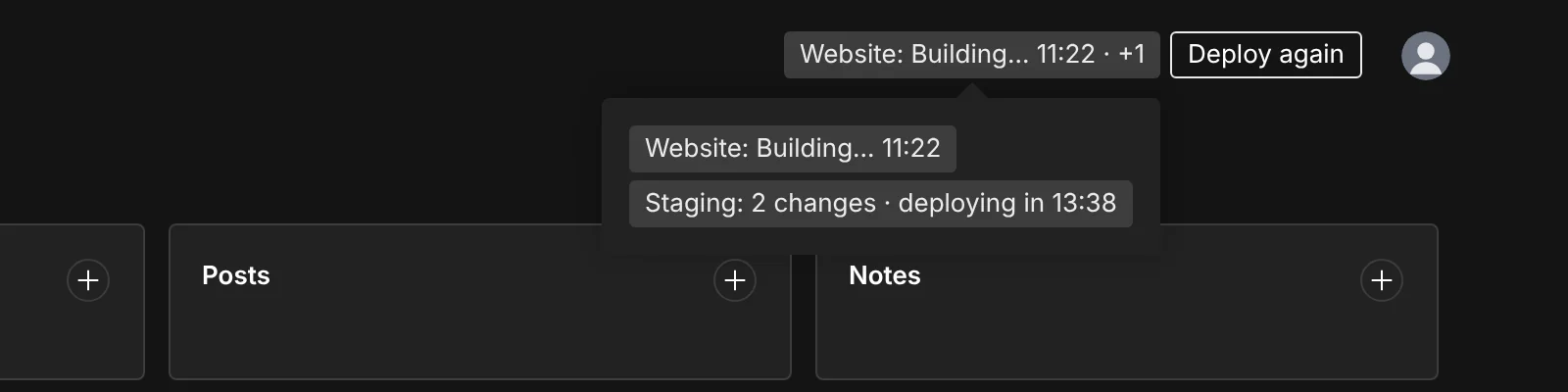
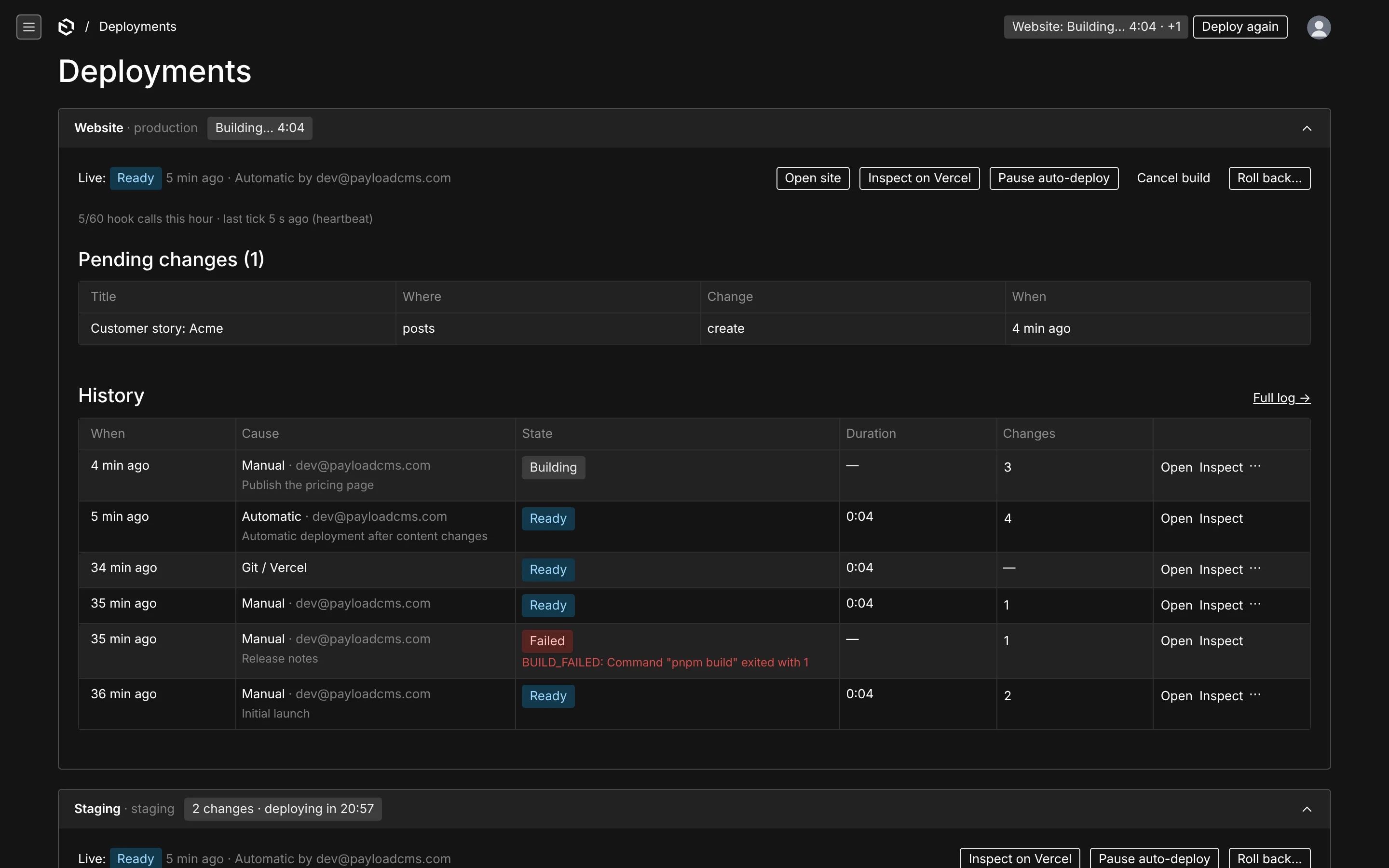
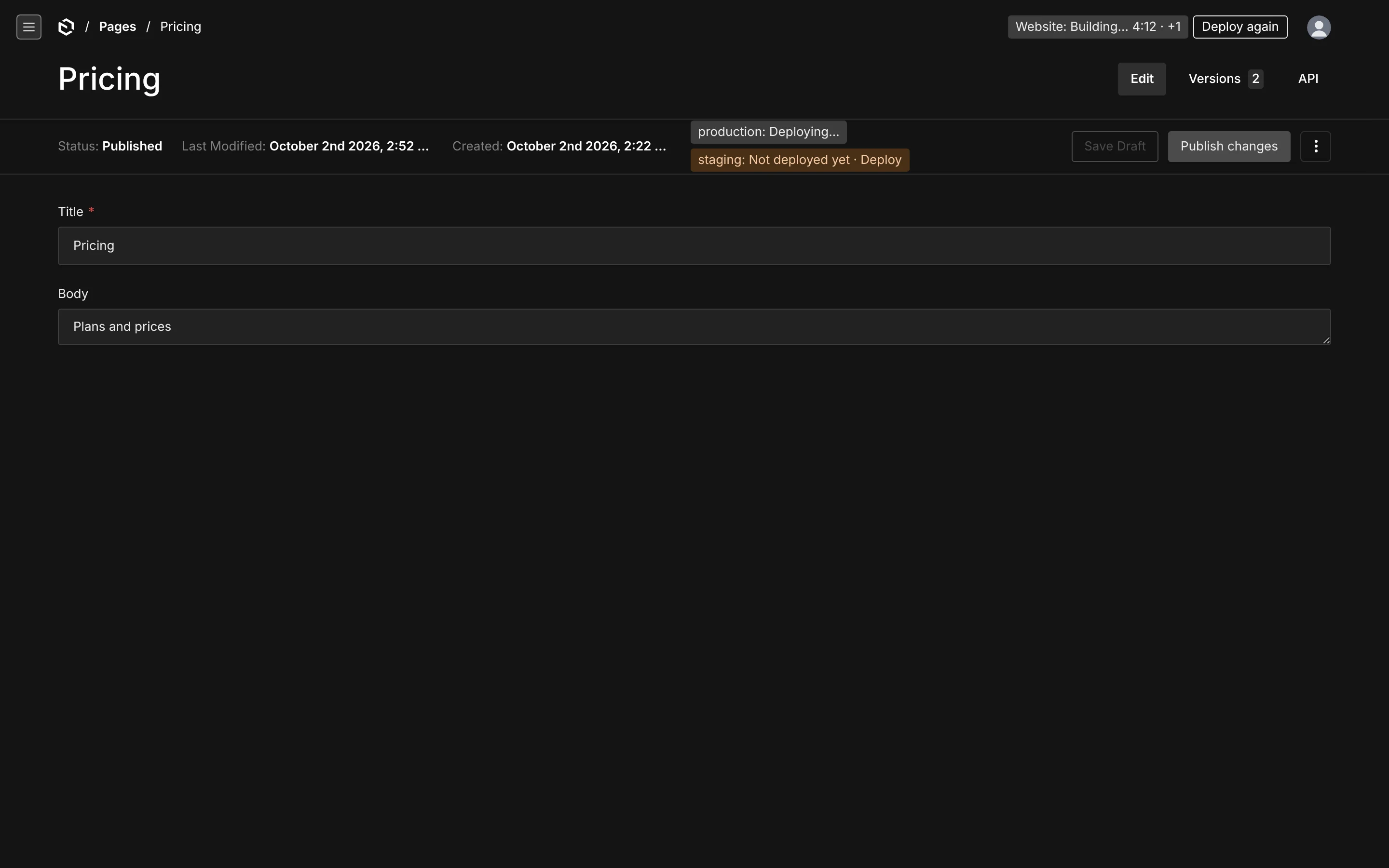
All surfaces are built from Payload's own UI components, so they follow the admin theme and its dark mode.
Header widget
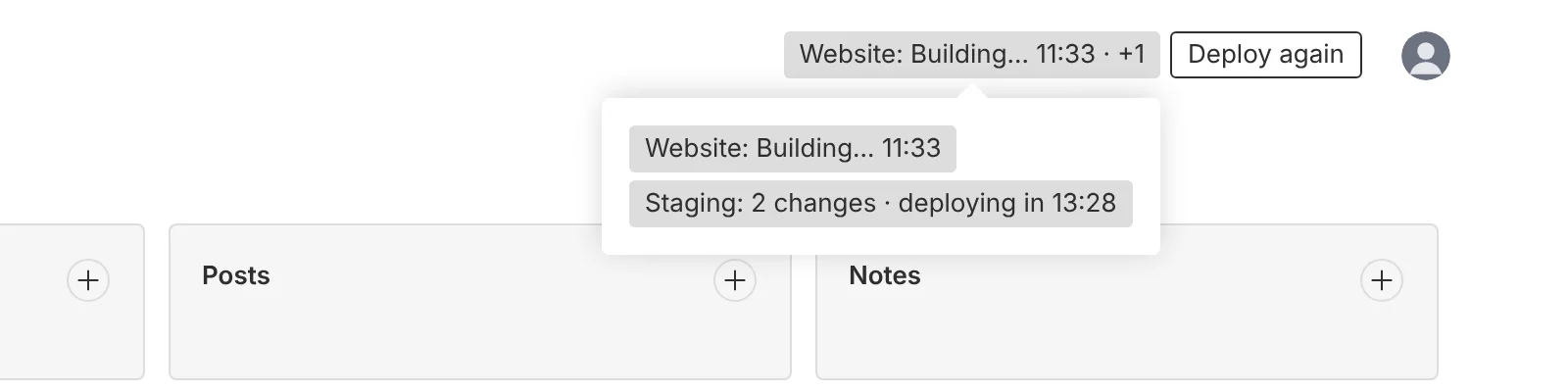
Registered in admin.components.actions, top-right on every admin page. A status pill and a Deploy button. With one target the pill links to the Deployments view and hovers to show the detail (the error message, the live URL); with several it speaks for the target that needs attention — a failure first, then a build, then pending changes — reads Website: 4 changes · deploying in 6:18 · +1, and opens a menu with every target's pill. States:


| Pill | Meaning |
|---|---|
| Up to date | nothing pending, last deployment ready |
| 3 changes · deploying in 0:42 | a window is open; the countdown runs locally between polls |
| 3 changes to deploy | pending, automatic deploys off |
| Building… 1:12 | a deployment is queued or building |
| Deployed | ready less than 30 seconds ago |
| Failed · 3 not deployed | the last build failed; its changes are back in pending |
| 3 pending · waiting for a runner | no tick for 15 minutes |
| Paused · 12 pending | automatic deploys paused on this target |
| Not configured | the deploy hook env var is unset |
Disable it with admin.header: false.
Deploy drawer
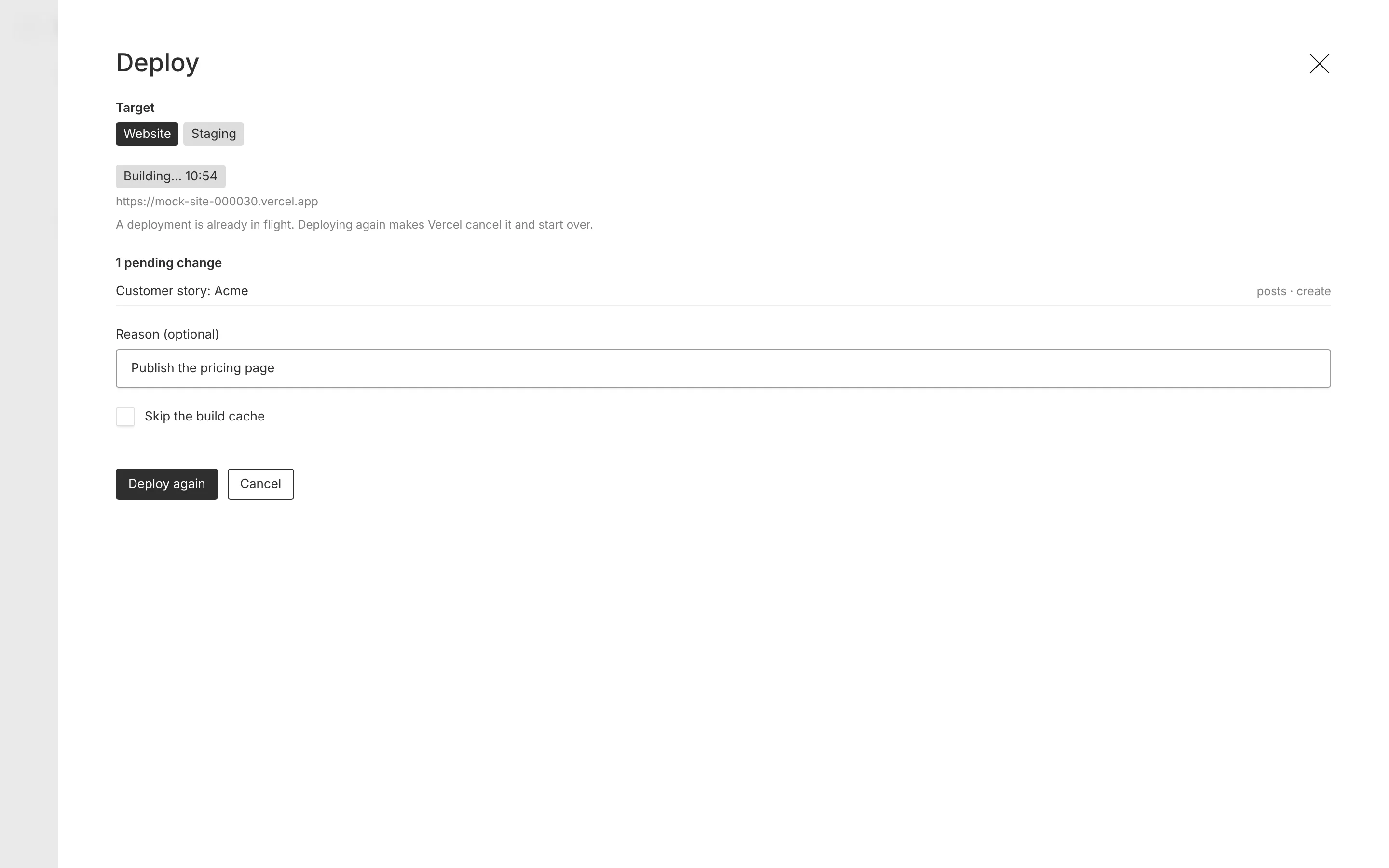
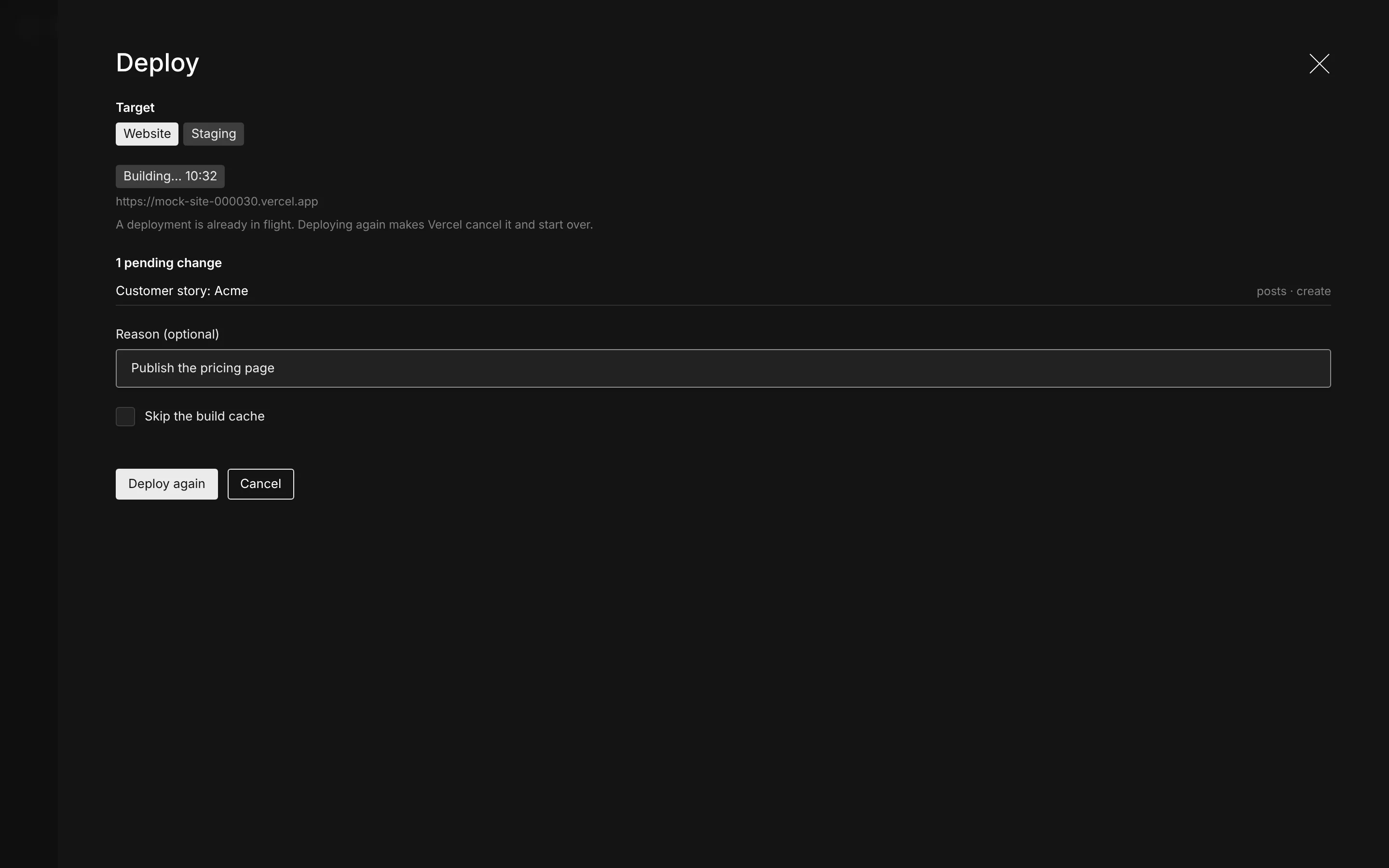
Target choice (when several are configured), the first ten pending changes, an optional reason that is stored on the row, and Skip the build cache. While a deployment is in flight the button reads Deploy again and the drawer says Vercel will cancel the running build.
Deployments view
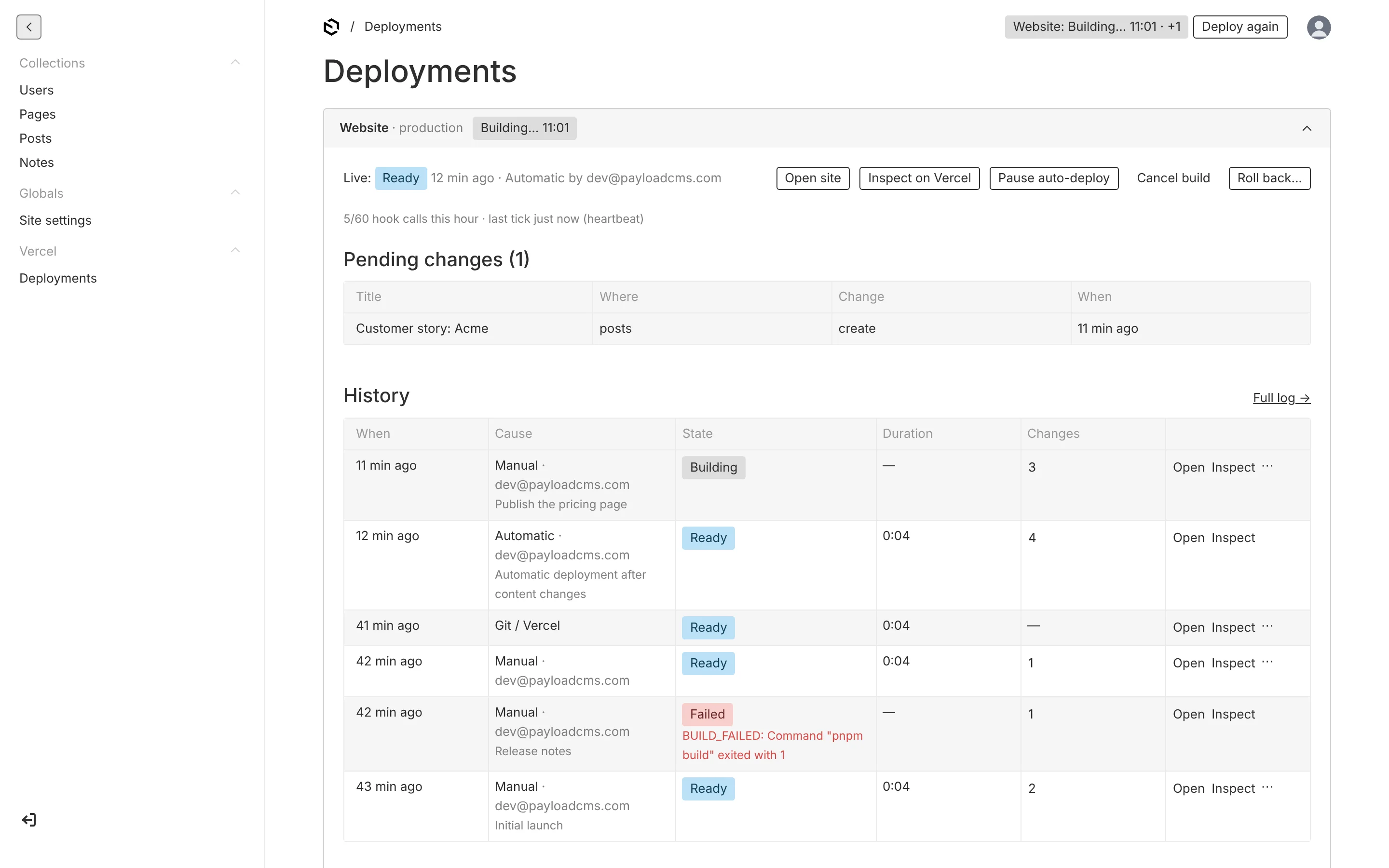
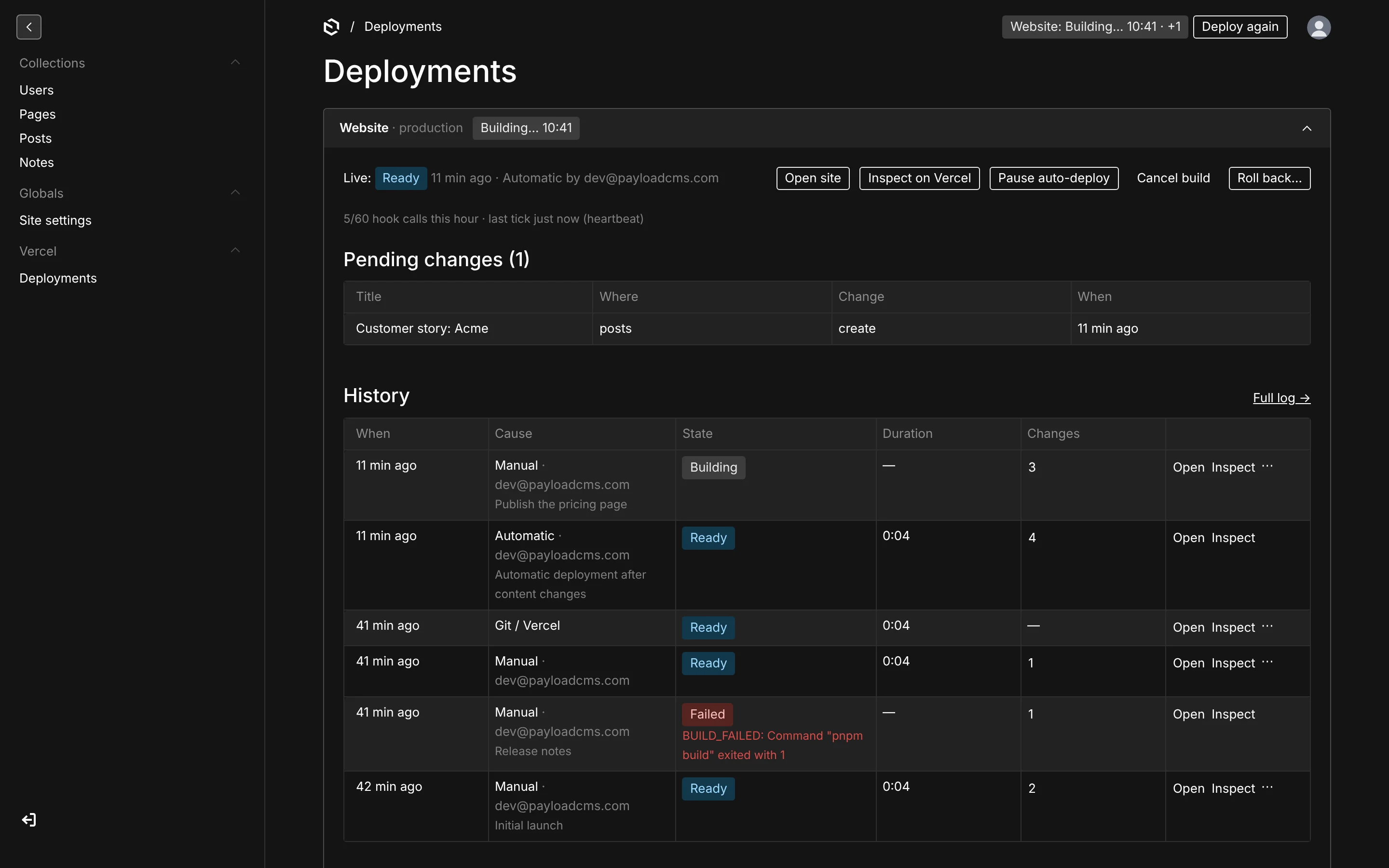
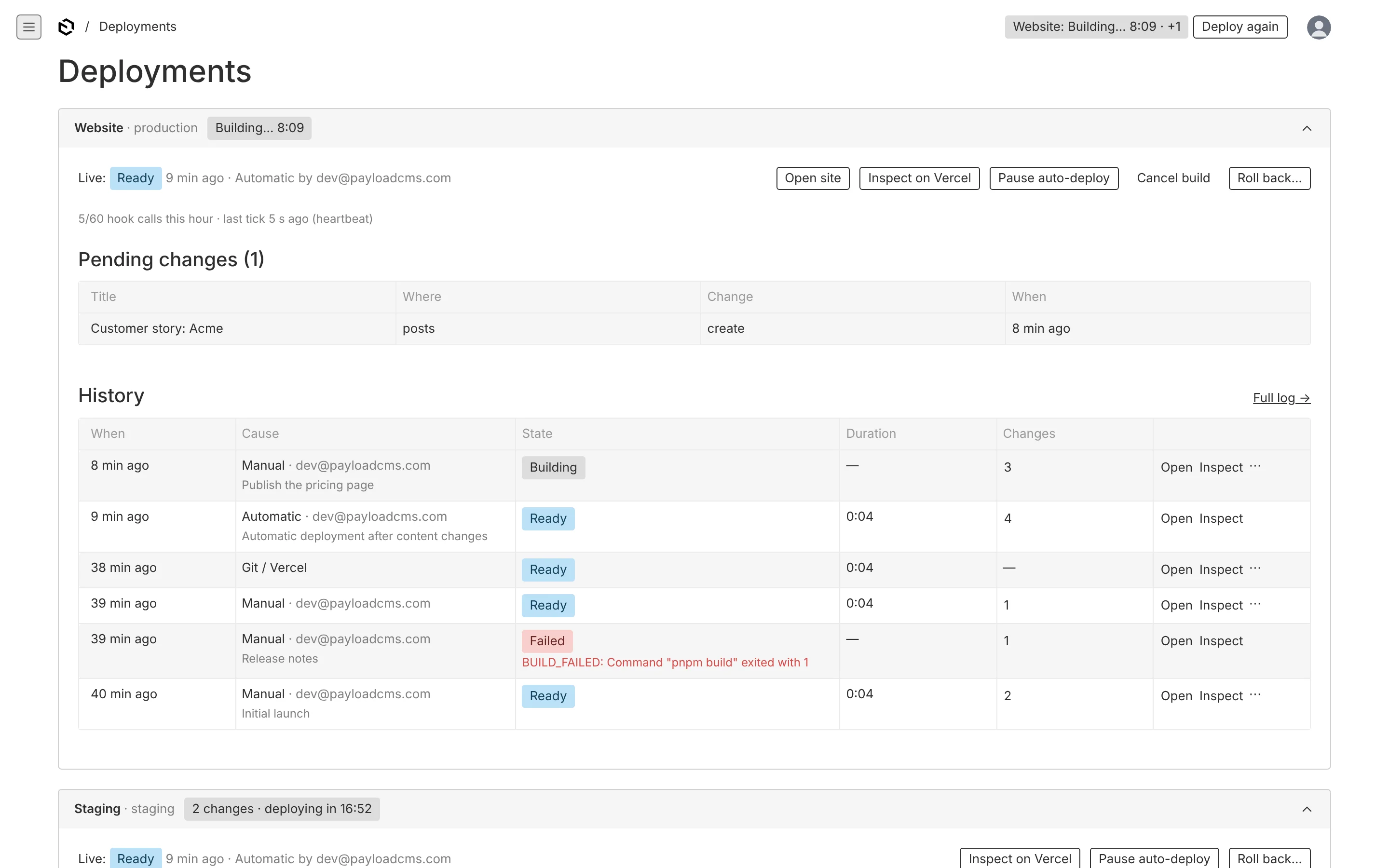
/admin/deployments, linked from the nav under Vercel (the admin.group name), with the same header widget as every other page — its Deploy button is the one to use here. Per target, collapsible: the live deployment with Open site and Inspect on Vercel, Pause / Resume auto-deploy, Cancel build and Roll back…; the hourly hook-call count and the last tick with its source; the pending changes table; the history table with cause, user, reason, state, duration, change count (opens a drawer with the items) and a row menu for cancel and roll back, and a Full log → link to the deployments collection filtered to that target. A Setup panel at the bottom says which env vars are set, whether the webhook is enabled and which runners are configured. Move it with admin.view: { path } or disable it with admin.view: false.
Document pill
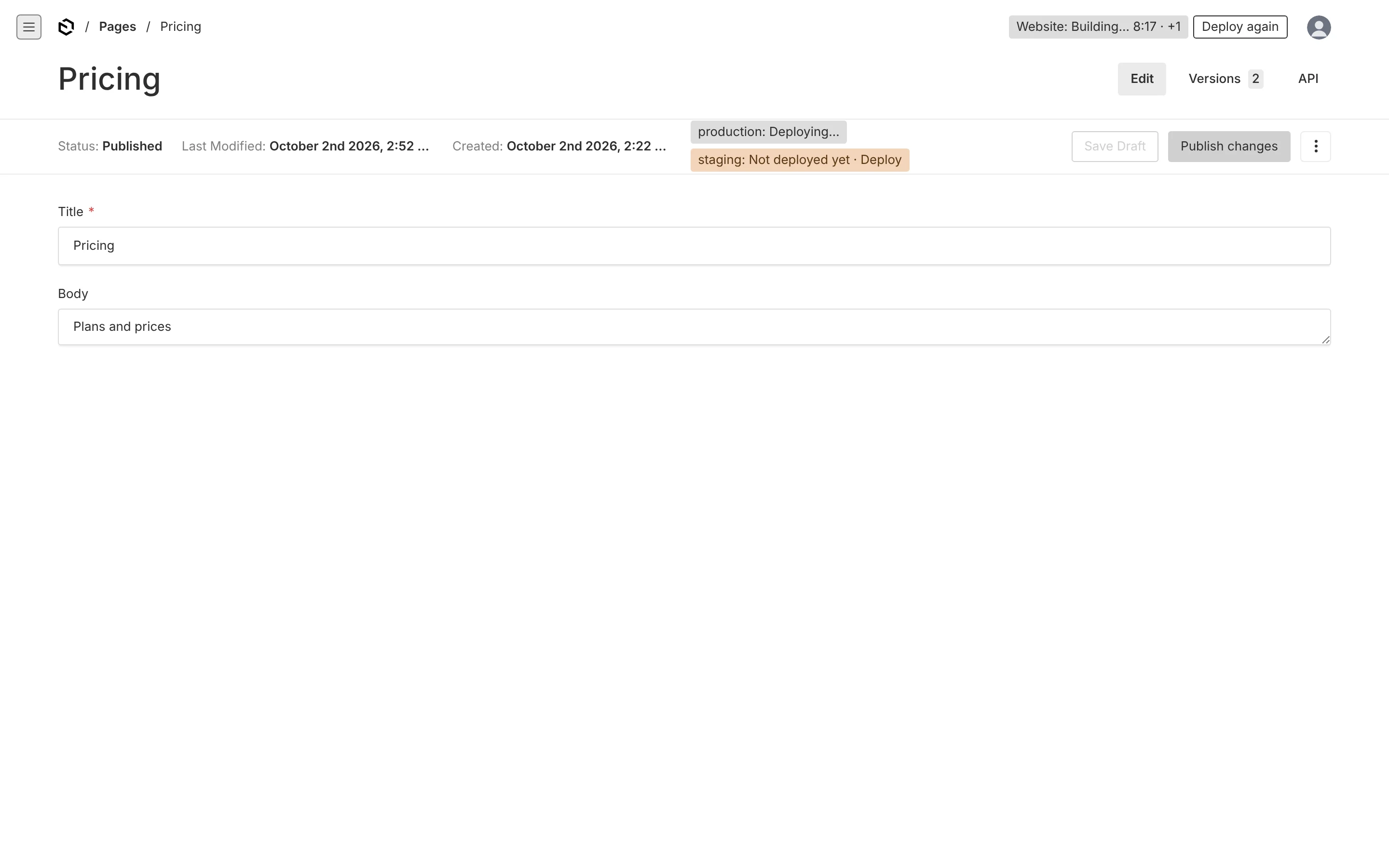
beforeDocumentControls on every tracked collection and global: Live, Not deployed yet · Deploy (opens the drawer), Deploying… or Deploy failed, one per target when a document deploys to several. Disable with admin.documentPill: false.
What to do when…
| You see | It means | Do |
|---|---|---|
| 3 changes · deploying in 0:42 | your edits are counted and will go live by themselves | nothing, or Deploy to skip the wait |
| Building… 1:12 | Vercel is building | wait; Inspect on Vercel shows the log |
| Failed · 3 not deployed | the build broke; your changes are safe and still pending | read the error in the Deployments view, fix or tell a developer, Deploy again |
| 3 pending · waiting for a runner | nobody has checked in a while | press Deploy now; tell a developer if it keeps happening |
| Paused · 12 pending | someone paused automatic deploys for bulk editing | Resume when the batch is done |
| Not configured | the site's deploy hook is not set on this environment | a developer sets the env var |
Deployments collection
vercel-deployments is a normal, read-only collection, reached from Full log → in the Deployments view (it stays out of the sidebar while the view exists, so the nav has one Vercel group, not two; with admin.view: false it is listed under admin.group instead): filter by target, cause or state, search by reason or deployment id. Rows are written only by the plugin; deleting needs access.rollback. The vercel-changes and vercel-targets collections are hidden.