Installation
Install the plugin, give it a Resend key and a sender, point it at your subscriber collections, and connect the unsubscribe webhook.
Install
pnpm add @payload-solutions/plugin-resend-broadcastsPayload 3.88+, @payloadcms/richtext-lexical, @payloadcms/ui, React 19 and react-dom are peer dependencies you already have. The plugin brings the resend SDK and React Email with it.
What you need in Resend
- An API key with full access — the plugin manages contacts, segments, contact properties and broadcasts. Sending-only keys cannot.
- A verified domain to send from. The
fromaddress must be on it. - Optionally, a webhook for unsubscribes — set up below, once the app is running.
RESEND_API_KEY=re_...
RESEND_WEBHOOK_SECRET=whsec_...   # after you create the webhook
Both are read from the environment by default; pass apiKey and webhookSecret to the plugin to take them from somewhere else.
Add the plugin
import { resendBroadcastsPlugin } from '@payload-solutions/plugin-resend-broadcasts'

export default buildConfig({
  collections: [Users, Subscribers /* … */],
  plugins: [
    resendBroadcastsPlugin({
      from: 'Acme <[email protected]>',
      sources: [
        // Users opt in: the added "Subscribed to newsletters" checkbox starts off.
        { collection: 'users' },
        // A sign-up collection: whoever is in it wants the newsletter.
        {
          collection: 'subscribers',
          defaultSubscribed: true,
          properties: {
            plan: { type: 'string', value: ({ doc }) => doc.plan },
          },
        },
      ],
    }),
  ],
})
sources is the only required option, and every source collection must be in collections before the plugin runs. Add media: { collection: 'media' } to put images in campaigns — see Images; the media collection must be publicly readable. Sources explains the fields it adds and the mapping options; Configuration lists everything else.
Regenerate what Payload derives from the config
pnpm payload generate:importmap
pnpm payload generate:types
The import map registers the admin components (the Preview & send tab, the list and campaign sidebars, the resync button). The types pick up the new collections and the fields added to your sources. If your database uses migrations, create one now — the plugin adds columns to every source collection and three collections of its own.
First boot
Start the app. In the admin, a Newsletter group appears with Lists, Campaigns, Sync runs and Newsletter Settings.
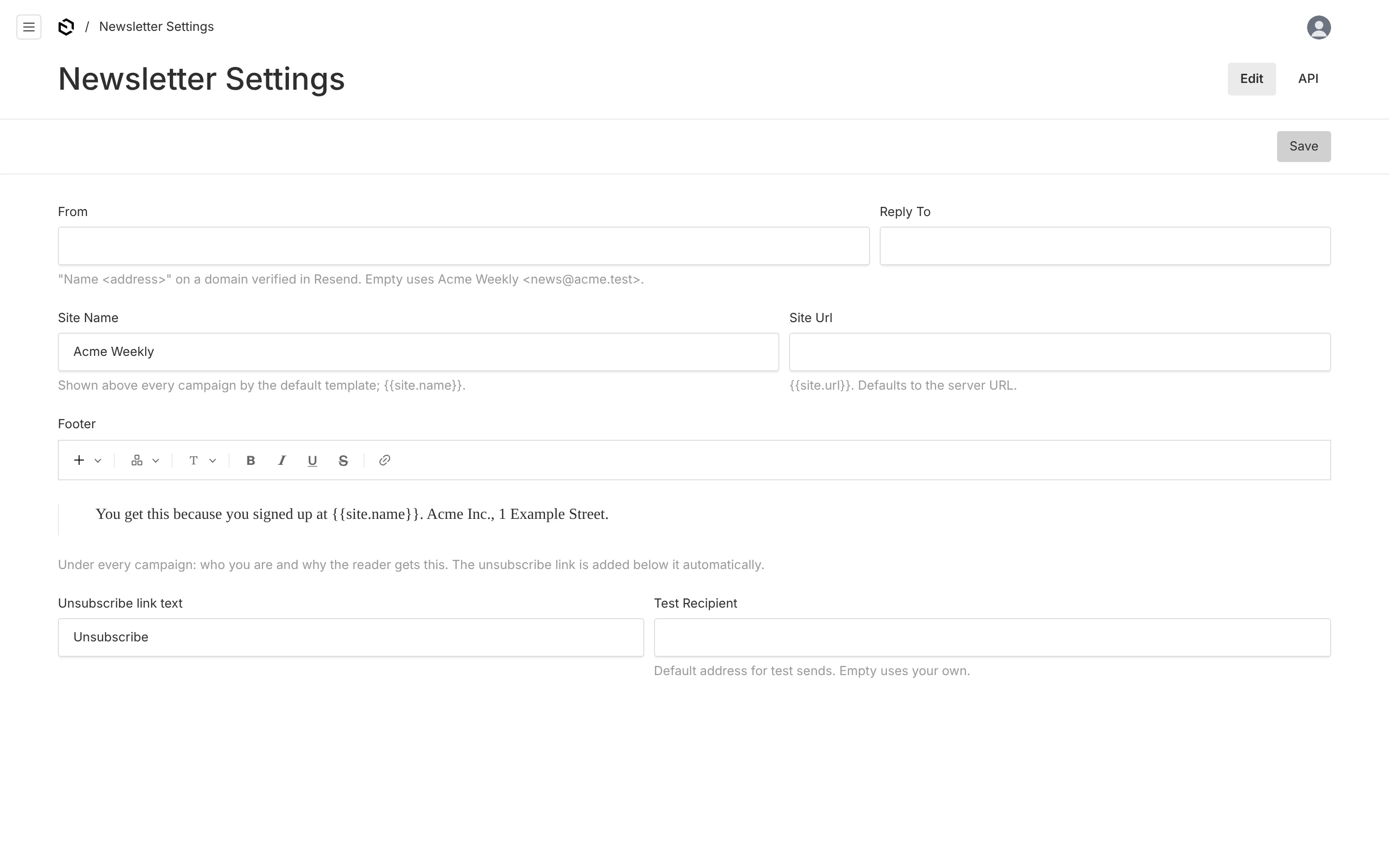
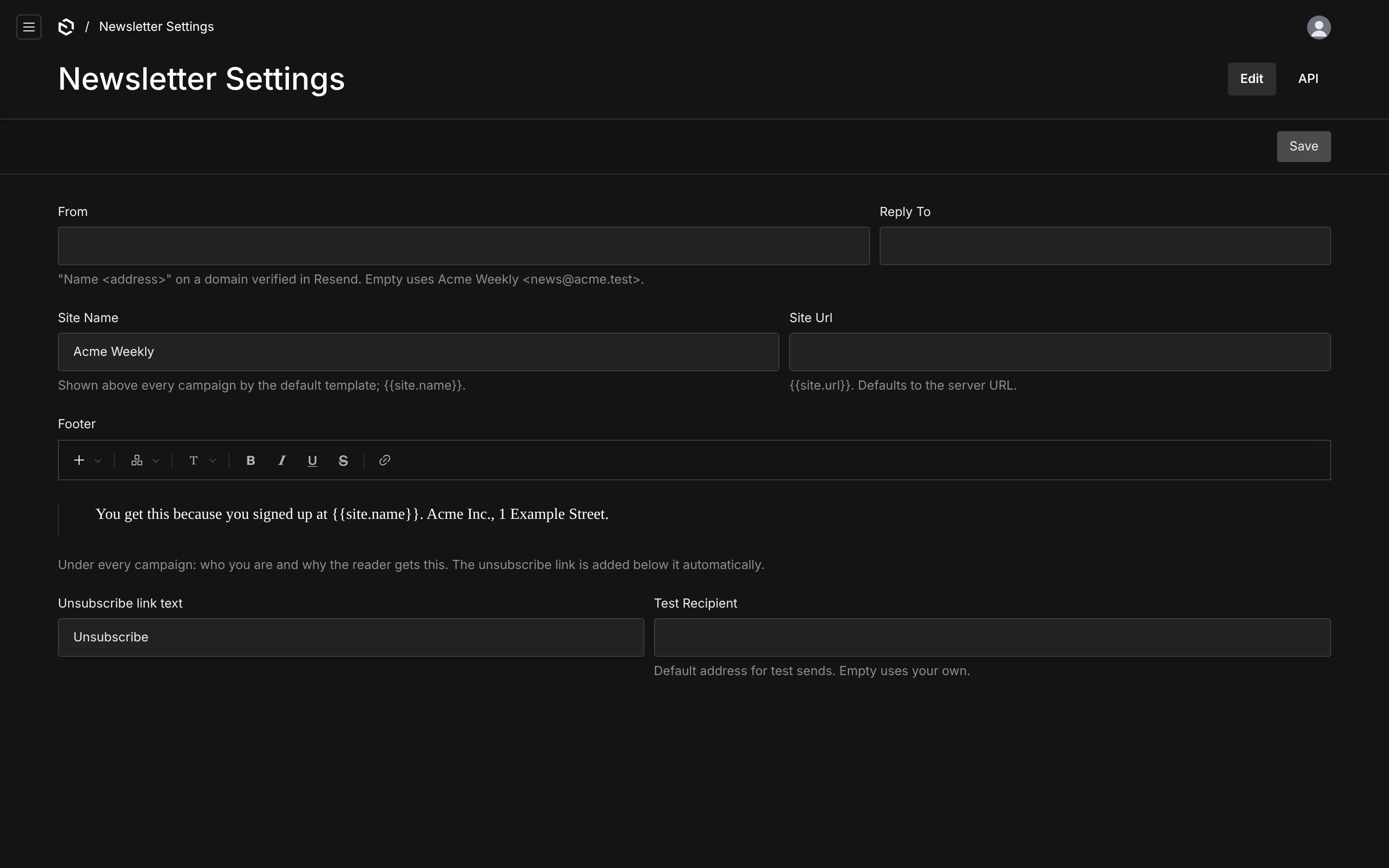
- Open Newsletter Settings and fill in the site name and the footer — who you are and why the reader gets this. The unsubscribe link is added under it automatically.
- Create a List: a name and a source. Saving creates its Resend segment and fills it in the background; the sidebar shows the member count when it is done.
- If the source collections already held documents before the plugin was installed, click Resync everything with Resend above the Lists table once. It creates the missing contacts and fills every segment.
- Create a Campaign, choose the list, write it, and open Preview & send.
Nobody is added to Resend before they opt in. A document whose subscribed checkbox is off never creates a contact; turning the checkbox off later marks the existing contact unsubscribed rather than deleting it.
Connect the unsubscribe webhook
Resend handles the unsubscribe link in every broadcast. To mirror those unsubscribes in Payload, add a webhook in the Resend dashboard (Webhooks → Add endpoint):
- Endpoint URL:
https://your-site.com/api/resend-broadcasts/webhook - Events:
contact.updatedandcontact.created
Copy its signing secret into RESEND_WEBHOOK_SECRET and redeploy. Until the secret is set the endpoint answers 503, and a nightly or manual resync still pulls unsubscribes back. See Webhooks.
Without a Resend account
The plugin's own dev app runs against an in-memory Resend mock, so you can try every screen without a key. The mock lives in the repository at packages/plugin-resend-broadcasts/dev/resend-mock; point resend.baseUrl at a copy of it in your own project if you want the same for local development. See Recipes.
Where things live afterwards
| In the admin | What it is |
|---|---|
| Newsletter → Lists | one Resend segment each, with a resync button |
| Newsletter → Campaigns | the copy, with the Preview & send tab |
| Newsletter → Sync runs | every reconciliation, with counts and errors |
| Newsletter → Newsletter Settings | sender, reply-to, site name, footer, test recipient |
| each source collection | a Subscribed to newsletters checkbox in the sidebar |
Next: Sources.
Resend Broadcasts
Newsletters for Payload CMS on Resend Broadcasts. Any collection becomes a subscriber source, lists become Resend segments, and campaigns are written, previewed as any subscriber, tested and sent from the admin.
Sources
Any collection with an email can be a subscriber source. The plugin adds the fields it needs and keeps one Resend contact per address in step with your documents.