Lists
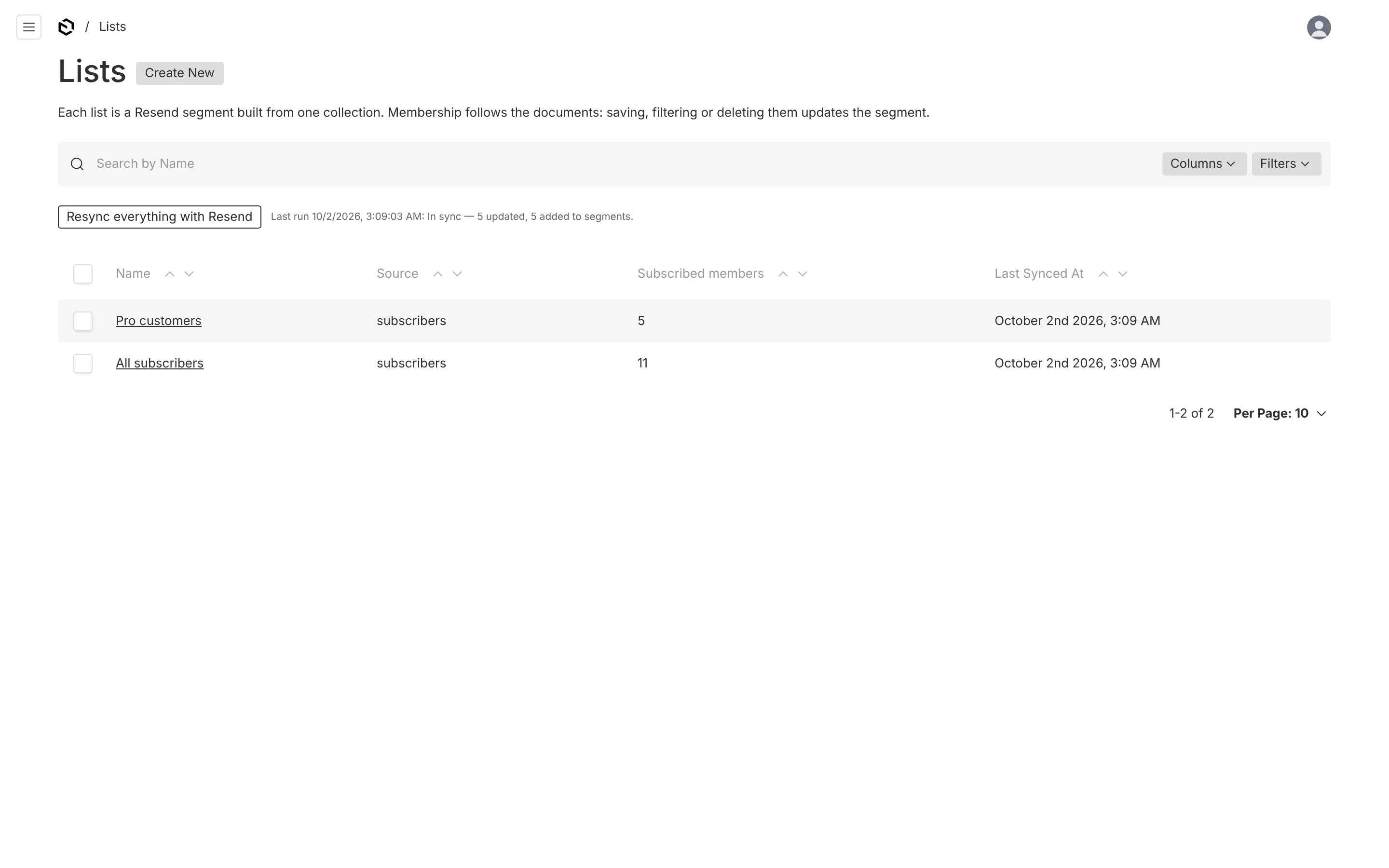
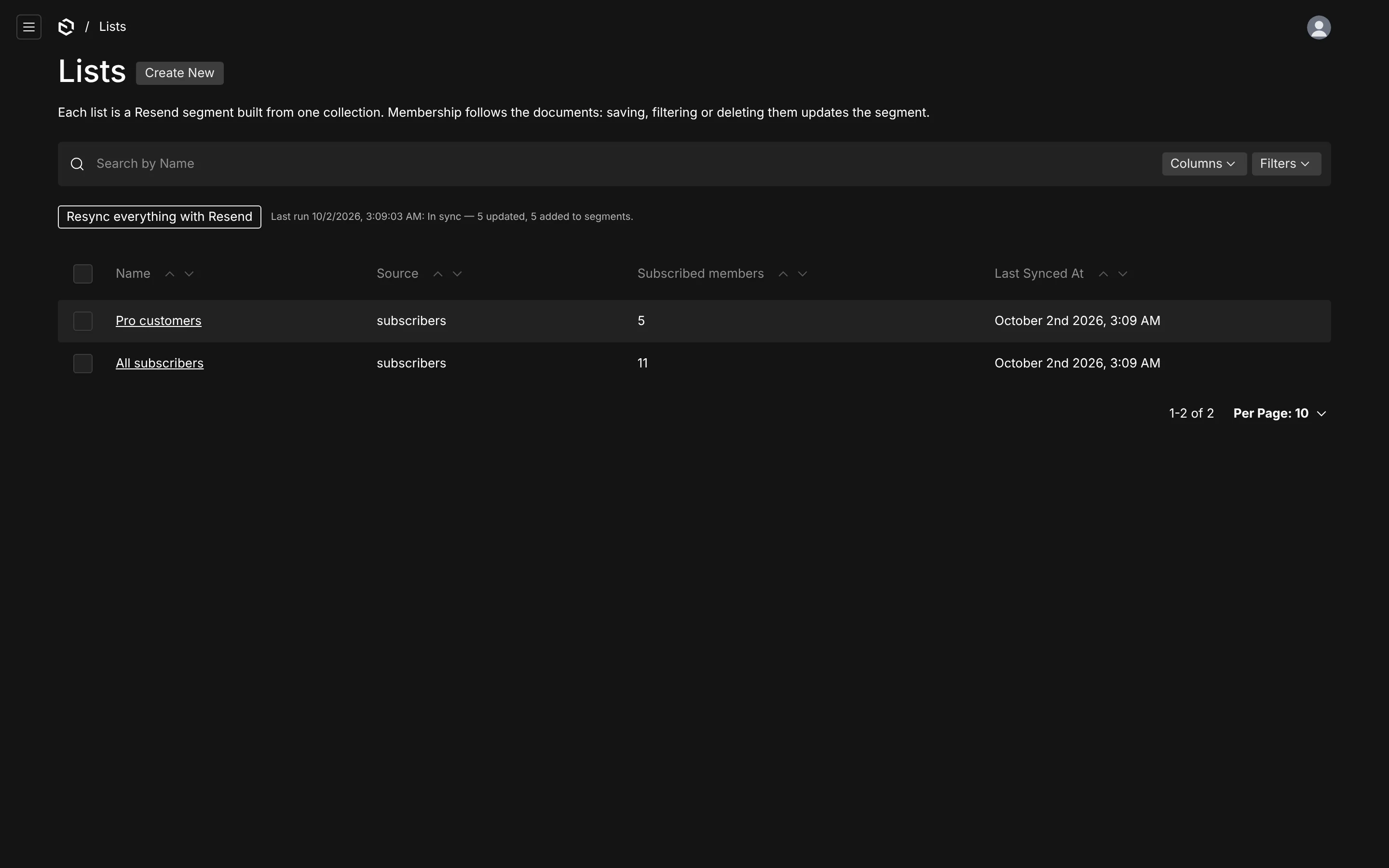
A list is a Resend segment built from one source collection, optionally narrowed by a Payload query. Membership follows the documents.
A list is what a campaign is sent to. Each one is a document in Newsletter → Lists and exactly one segment in Resend.
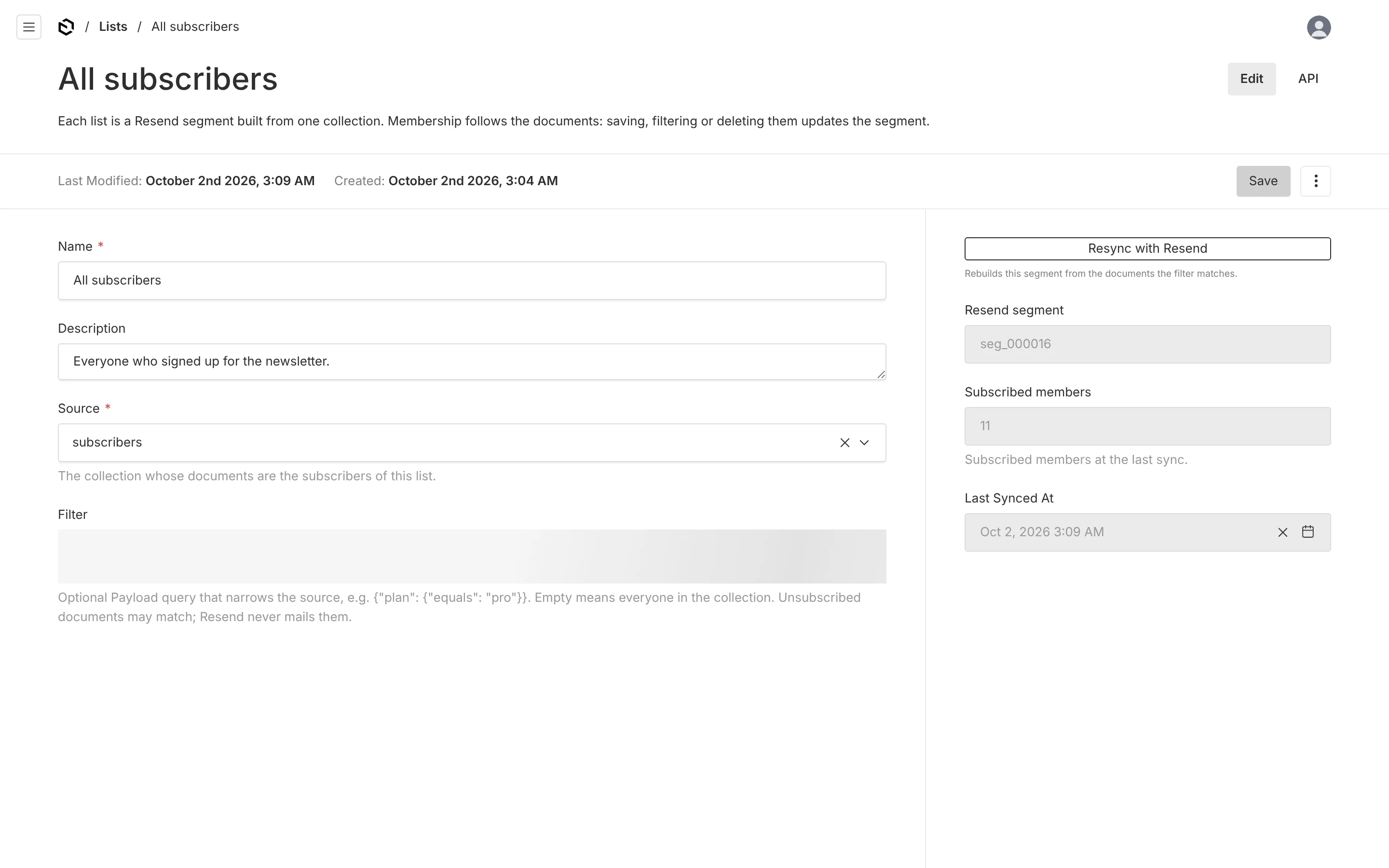
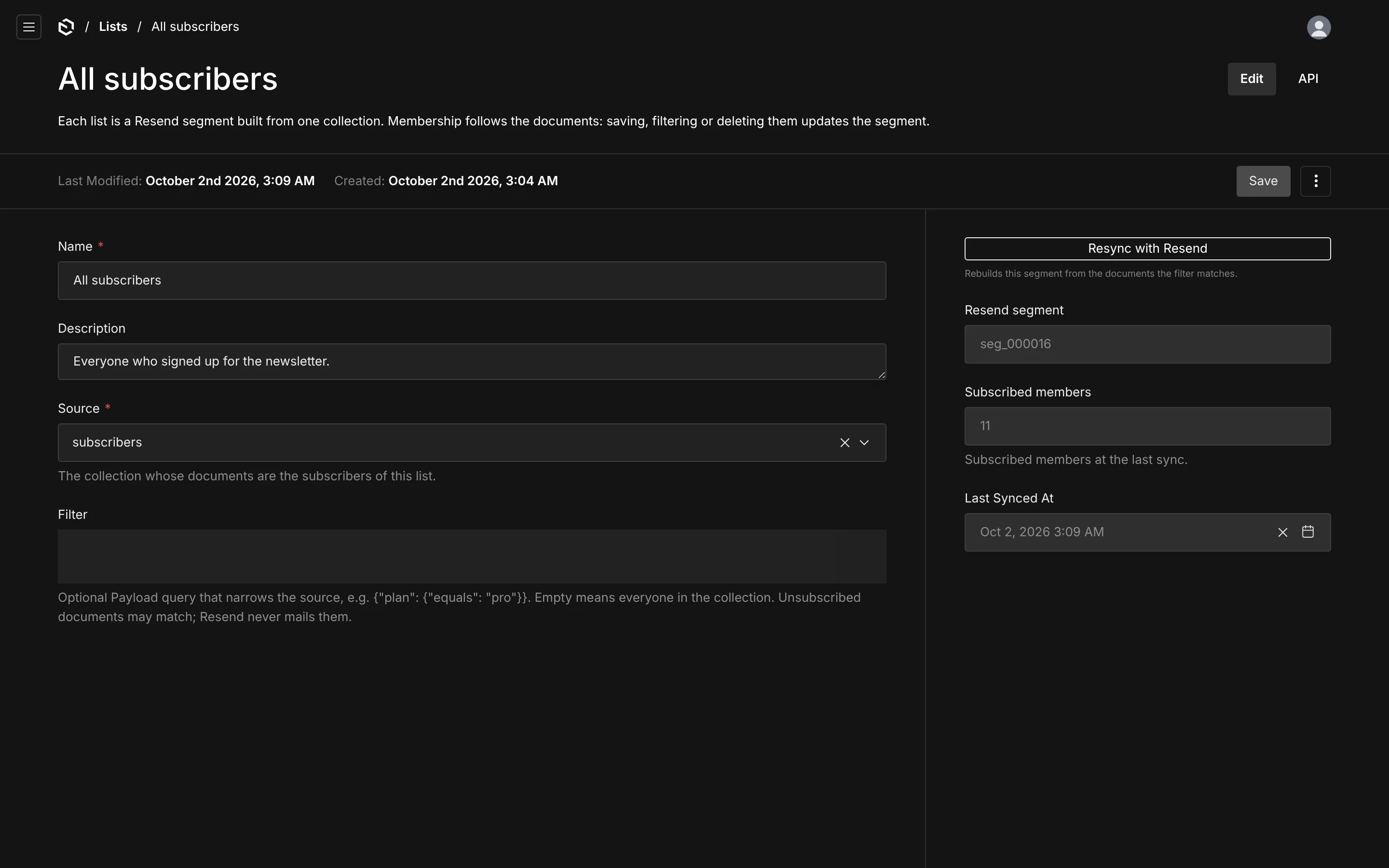
| Field | What it does |
|---|---|
| Name | the list's name, and the segment's name in Resend (renaming one renames the other) |
| Description | for your team; not sent anywhere |
| Source | the collection whose documents are the members |
| Filter | an optional Payload query that narrows the source |
The sidebar shows the Resend segment id, the number of subscribed members at the last sync, when that was, and any error.
Filters
The filter is an ordinary Payload where query, written as JSON, run against the source collection:
{ "plan": { "equals": "pro" } }{ "and": [{ "plan": { "equals": "pro" } }, { "createdAt": { "greater_than": "2026-01-01" } }] }Leave it empty for everyone in the collection. A filter that does not run against the source — a field that does not exist, a malformed operator — is rejected when you save.
Unsubscribed documents may match a filter. That is intentional: they keep their place in the segment, and Resend skips them at send time. If someone re-subscribes they are already where they belong.
How membership stays current
| When | What happens |
|---|---|
| a list is created | its segment is created during the save, then filled in the background |
| the source or the filter changes | the segment is rebuilt in the background: missing members added, the rest removed |
| a member document is saved | the document is checked against every list over its collection and moved in or out |
| a list is deleted | its segment is deleted in Resend |
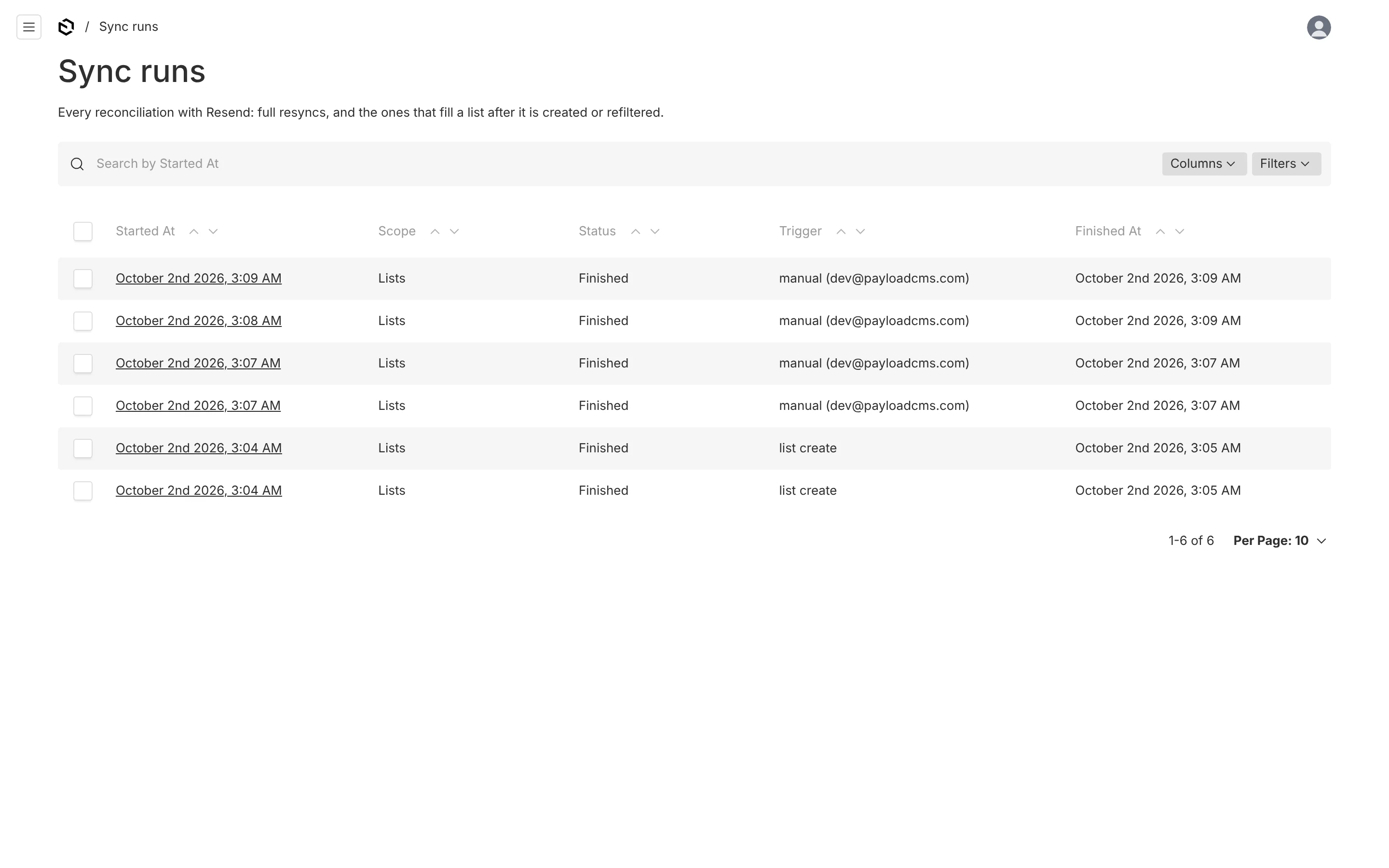
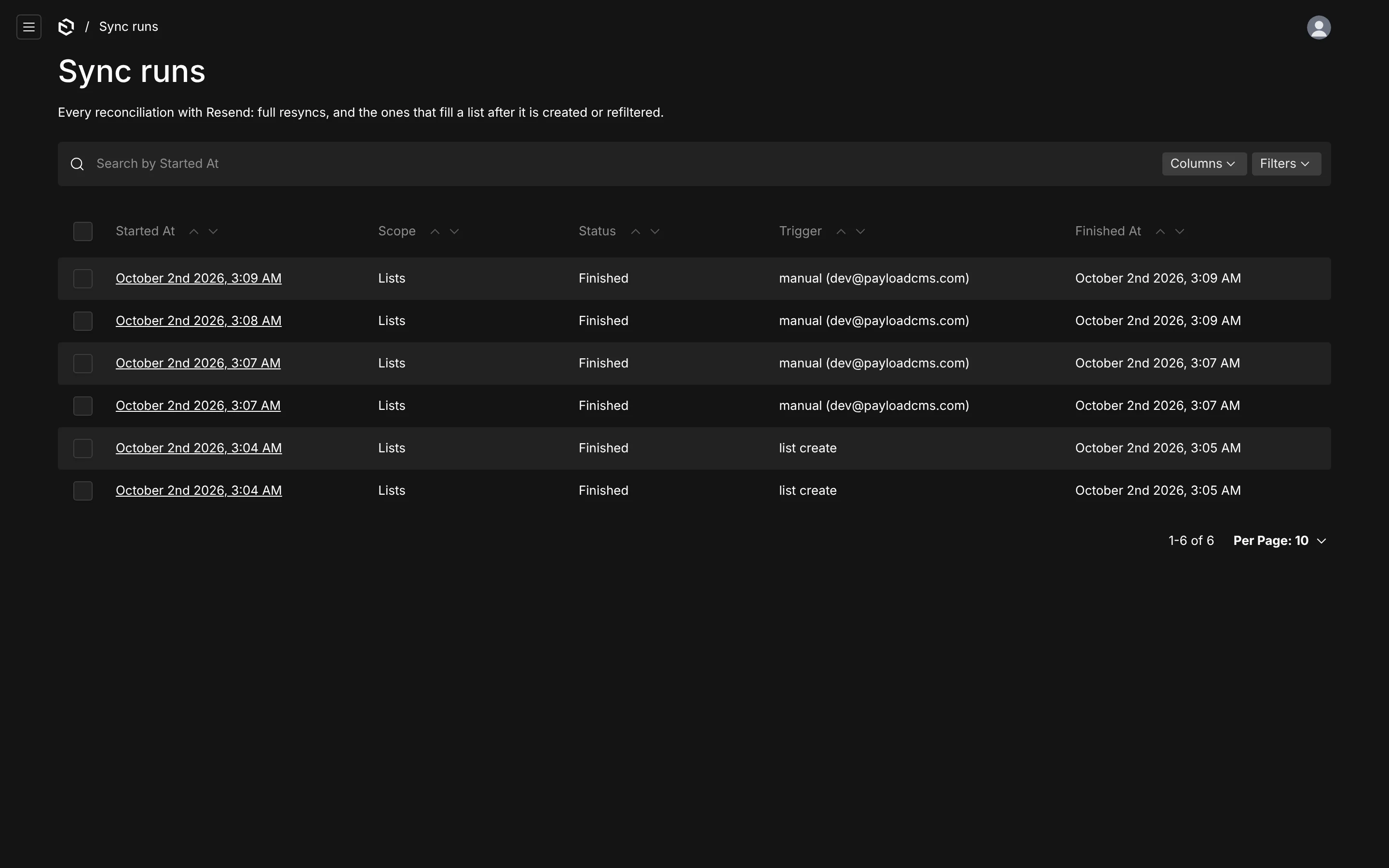
Filling a segment means one Resend call per member, throttled to your rate limit, so it never runs inside the save. Each background run is recorded in Sync runs, and the list's sidebar shows the result.
Resync
Two buttons reconcile Resend with Payload on demand:
- Resync with Resend in a list's sidebar rebuilds that list's segment, creating any member contacts that are missing.
- Resync everything with Resend above the Lists table walks every source collection and every list.
A full resync:
- creates the contact properties the plugin uses, if any are missing;
- for every subscriber: creates the contact if they are subscribed and missing, and updates it if the name or subscription drifted;
- pulls unsubscribes back — a contact that is unsubscribed in Resend while its document says subscribed has the document switched off. Unsubscribes always win; a resync never re-subscribes anyone;
- for every list: recreates the segment if it was deleted in Resend, then adds and removes members until the segment holds exactly the documents its filter matches.
Run it once after installing the plugin on a project that already has data, and whenever you suspect drift — a contact deleted in the dashboard, a webhook that never arrived. From code:
const result = await payload.resendBroadcasts.resync()
// { contactsCreated, contactsUpdated, pulledUnsubscribes, segmentAdds, segmentRemovals, errors }

await payload.resendBroadcasts.resync({ lists: [listId] })
A resync only compares names and the subscription flag, because Resend does not return contact properties in its list endpoint. After changing what a property reads, push every contact again with resync({ force: true }).
A full resync over a large collection makes one request per changed contact and one per membership change, at your rate limit. Ten thousand new contacts at 2 requests a second is well over an hour. Ask Resend for a higher limit before a big first import, and raise resend.requestsPerSecond to match.
Sources
Any collection with an email can be a subscriber source. The plugin adds the fields it needs and keeps one Resend contact per address in step with your documents.
Campaigns
Write a campaign in the admin, preview it as any subscriber in the list, send yourself a test, then send it now or schedule it as a Resend broadcast.